
HP Laptop 14s-cf1xxx: Everything You Need to Know Before You Buy or Use One
The HP Laptop 14s-cf1xxx is not a single fixed model, but a family of compact 14-inch HP notebooks sold in multiple configurations. That detail matters because two laptops with the same “14s-cf1xxx” label may have different processors, memory, storage, displays, keyboards, and operating systems. If you are considering buying one, or you already own one, the most important step is to identify the exact specification of your unit before judging performance, upgrade options, or value.
TLDR: The HP Laptop 14s-cf1xxx is a practical, portable laptop series best suited to everyday work such as web browsing, office documents, online classes, video calls, and media streaming. Its strengths are usually its compact size, simple design, and reasonable usability, but performance depends heavily on the exact processor, RAM, SSD, and display fitted to your model. Before buying, check the full product number, battery condition, screen type, and upgrade possibilities. It is generally not the right choice for heavy gaming, professional video editing, or demanding 3D workloads.
What the HP Laptop 14s-cf1xxx Actually Is
The name HP Laptop 14s-cf1xxx describes a group within HP’s 14s consumer laptop range. The “14s” indicates a slim 14-inch class device, while “cf1xxx” identifies a generation or subseries. However, HP often releases many regional and retailer-specific variants under similar naming. One model may come with an Intel Core i3 processor, another with a Core i5, and another with a lower-end Pentium or Celeron chip. Some may include a solid-state drive, while others may use a hard drive or a combination of storage types.
For this reason, do not rely only on the lid label or a shop listing headline. Look for the full product number, which is usually printed on the bottom cover, shown in BIOS, or listed in HP Support Assistant. It may look like a code followed by regional letters. That product number is the most reliable way to find driver downloads, service manuals, and exact hardware details.
Design and Build Quality
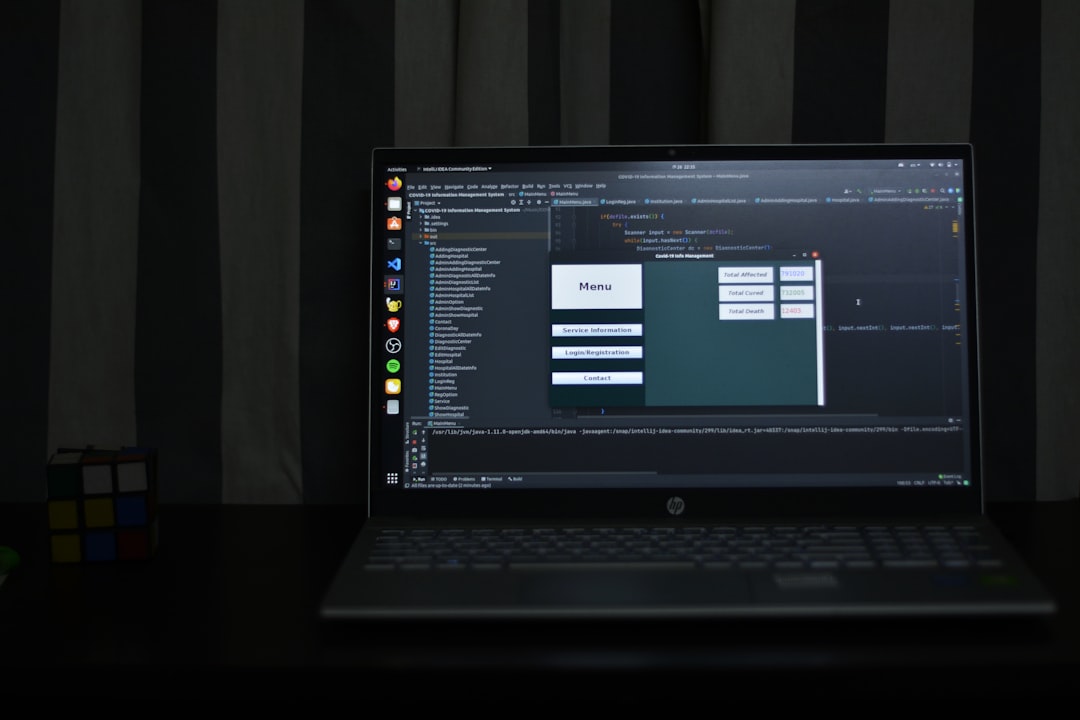
The HP 14s-cf1xxx series is designed to be light, compact, and affordable. Most units use a plastic chassis rather than premium metal construction. This is normal for a mainstream budget-to-midrange laptop and does not automatically mean it is poorly made, but expectations should be realistic. The body is usually slim enough for commuting, school bags, and small desks, while the 14-inch form factor offers a good compromise between portability and screen space.
The hinge quality is generally adequate for normal use, but users should avoid lifting the laptop by the screen corner or applying pressure to the lid. Like many thin consumer laptops, it benefits from careful handling. If you travel frequently, a padded sleeve is strongly recommended.
Display: Check the Panel Before You Buy
Display quality varies significantly across the 14s-cf1xxx family. Some configurations may include a Full HD 1920 x 1080 panel, while lower-cost versions may use a lower-resolution display. Brightness, color accuracy, and viewing angles may also differ. A Full HD screen is strongly preferable if you plan to read documents, work with spreadsheets, attend online classes, or use the laptop for long periods.
If possible, inspect the screen in person. Look for:
- Resolution: Full HD is usually much better for productivity than lower-resolution options.
- Brightness: A dim screen can be frustrating in bright rooms.
- Viewing angles: Some panels wash out when viewed from the side or from above.
- Color quality: Important if you edit photos, create graphics, or watch a lot of video.
For general office use, the display is usually acceptable, but buyers who need accurate color reproduction should look for a higher-grade laptop or confirm the exact screen specifications.
Performance: Good for Everyday Tasks, Limited for Heavy Work
Performance depends primarily on the processor, RAM, and storage. A unit with an Intel Core i5 and SSD will feel very different from one with a low-end processor and mechanical hard drive. In typical daily use, a well-configured HP 14s-cf1xxx can handle web browsing, email, Microsoft Office, video streaming, online meetings, and basic photo management without difficulty.
However, this series is not generally intended for demanding workloads. You should be cautious if your needs include:
- Modern gaming with high graphics settings
- Heavy video editing or rendering
- Large software development projects
- Professional 3D modeling
- Running multiple virtual machines
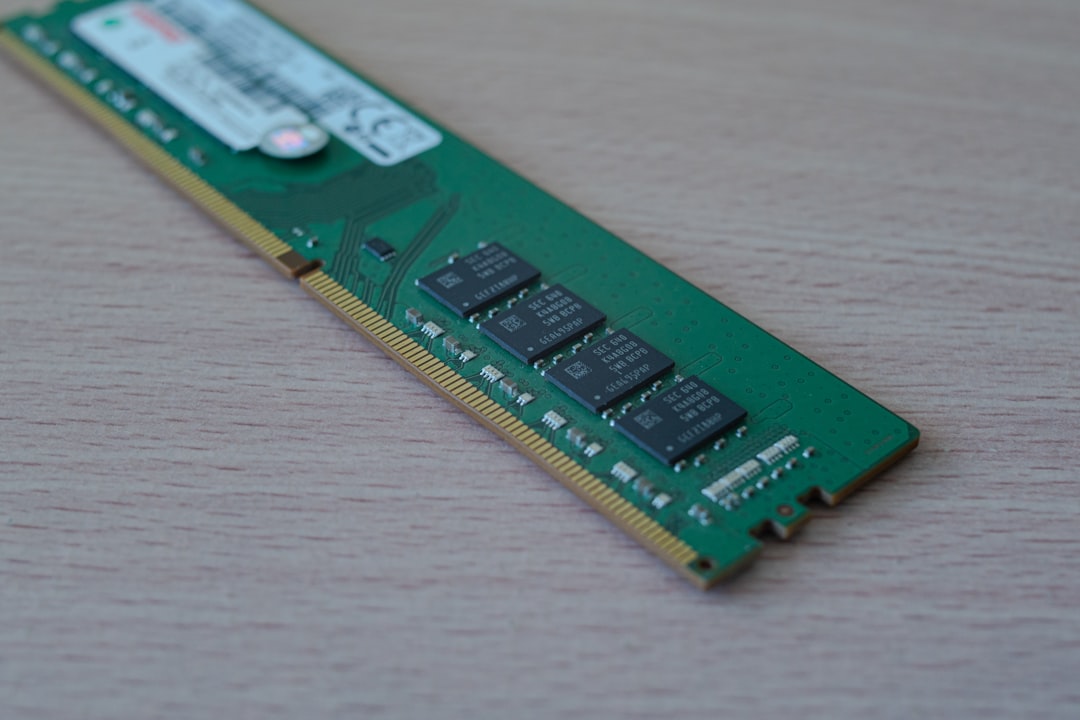
For best results, choose or upgrade to at least 8 GB of RAM and an SSD. A laptop with only 4 GB of RAM can still work for light use, but it may struggle with many browser tabs, video calls, and background applications. If your unit has a hard drive, replacing it with an SSD can make the system feel dramatically faster.
Storage Options and Upgrade Considerations
Many HP 14s-cf1xxx laptops were sold with different storage configurations, including SATA hard drives, SATA SSDs, or M.2 SSDs depending on the exact motherboard. This is one of the areas where checking the precise model matters. Some units may support both a 2.5-inch drive and an M.2 drive, while others may have more limited internal space or connectors.
Before opening the device or buying parts, consult the official HP service manual for your exact product number. Also remember that opening the laptop incorrectly can damage clips, cables, or the battery connector. If the device is still under warranty, check HP’s warranty terms before performing upgrades yourself.
Keyboard, Touchpad, and Daily Usability
The keyboard on the HP 14s-cf1xxx is usually comfortable enough for schoolwork, emails, and office writing. Key travel is modest, as expected in a slim notebook, but most users adapt quickly. Some variants may include a backlit keyboard, while others do not. If keyboard backlighting matters to you, confirm it before purchasing; it cannot always be added later.
The touchpad is typically functional for everyday navigation. It is not usually in the same class as premium business laptops, but it is adequate for browsing and document work. For long sessions, many users will still prefer a wireless mouse.
Ports and Connectivity
Typical HP 14s-cf1xxx configurations include a practical selection of ports, though the exact layout can vary. You may find USB Type-A ports, USB Type-C, HDMI, an audio jack, an SD or microSD card slot, and a power connector. Do not assume that USB-C supports charging or display output unless HP’s specifications clearly say so. On many budget laptops, USB-C may be data-only.
Wireless connectivity also depends on the installed Wi-Fi card. Most units are suitable for home and office networks, but if you experience weak reception or unstable Bluetooth, updating drivers from HP’s support page is a sensible first step.
Battery Life and Charging
Battery life varies with battery age, processor type, screen brightness, and workload. A new or healthy HP 14s-cf1xxx may be adequate for several hours of light use, but it is not realistic to expect workstation-level endurance. Video meetings, high brightness, many browser tabs, and background updates will drain the battery faster.
If you are buying used, battery health is one of the most important things to check. Ask for a battery report or generate one in Windows using the command prompt. Compare the design capacity with the full charge capacity. A large difference indicates wear. Battery replacement may be possible, but you should factor the cost into the purchase price.
Software, Drivers, and Windows Support
Most HP 14s-cf1xxx laptops are Windows-based. Depending on the configuration and age, they may have shipped with Windows 10 and may or may not officially support Windows 11. Compatibility depends on processor generation, TPM support, Secure Boot, and other requirements. Before upgrading, check Microsoft’s Windows 11 requirements and HP’s support page for your product number.
For stability, download important drivers from HP Support rather than random third-party driver websites. HP Support Assistant can be useful, but it is also wise to manually check BIOS, chipset, graphics, audio, and wireless drivers if you are troubleshooting.
Common Issues to Watch For
Like any laptop series, the HP 14s-cf1xxx can develop issues over time. Many are not unique to this model, but buyers and owners should be aware of them:
- Slow performance: Often caused by limited RAM, a hard drive, too many startup apps, or malware.
- Weak battery life: Common in older used units with worn batteries.
- Fan noise or heat: Dust buildup, old thermal paste, or heavy background tasks can contribute.
- Loose hinges or casing flex: Usually related to wear, drops, or rough handling.
- Wi-Fi instability: May be improved with driver updates or router troubleshooting.
If the laptop becomes hot, avoid using it on beds, blankets, or soft surfaces that block ventilation. Regular cleaning and sensible airflow can extend the life of the device.

Who Should Buy One?
The HP Laptop 14s-cf1xxx makes the most sense for users who need a simple, portable computer for everyday responsibilities. It is suitable for students, home users, remote workers with basic needs, and anyone who values a compact laptop at a reasonable price. A configuration with an SSD, 8 GB of RAM, and a Core i3 or Core i5 processor is usually the safest choice for balanced use.
It is less suitable for buyers who want premium build quality, a highly color-accurate display, long battery life under heavy workloads, or strong gaming performance. Those users should consider a higher-end consumer laptop, a business-class notebook, or a dedicated gaming machine.
Buying Checklist
Before buying a new or used HP 14s-cf1xxx, verify the following:
- Exact product number and full specifications.
- Processor model, not just “Intel” or “Core.”
- RAM amount and whether it is upgradeable.
- Storage type, preferably SSD rather than hard drive.
- Screen resolution and overall display condition.
- Battery health, especially for used units.
- Keyboard layout, backlight availability, and regional language.
- Ports needed for your monitor, accessories, or memory cards.
- Warranty status and any signs of physical damage.
Final Verdict
The HP Laptop 14s-cf1xxx is best understood as a practical everyday laptop series rather than a high-performance or luxury machine. In the right configuration, it can be a dependable tool for study, office tasks, browsing, streaming, and communication. Its compact 14-inch size makes it convenient, and upgrade options such as SSD or RAM improvements may extend its useful life.
The key is to avoid vague assumptions. Because the 14s-cf1xxx name covers multiple configurations, the exact unit matters more than the series name. If you confirm the specifications, check the battery and display, and match the laptop to realistic workloads, an HP 14s-cf1xxx can be a sensible and cost-effective choice.

