

Why Spectrum Shows NETGE-1000 And How To Fix Connection Issues Quickly
Spectrum internet customers occasionally encounter service disruptions accompanied by unfamiliar error codes. One of the most common—and confusing—is NETGE-1000. When this code appears, it typically signals a communication problem between the modem, router, and Spectrum’s network. While the name may sound complex, the issue is often tied to routine connectivity problems that can be resolved quickly with the right troubleshooting steps.
TLDR: The NETGE-1000 error on Spectrum usually indicates a problem between the modem, router, or Spectrum’s network authentication system. It may be caused by loose cables, outdated firmware, signal interruptions, or account provisioning issues. Restarting equipment, checking connections, updating firmware, and verifying account status are the fastest ways to fix it. If problems persist, contacting Spectrum support is often necessary to refresh or reprovision the connection.
What Does Spectrum NETGE-1000 Mean?
The NETGE-1000 error generally appears when a router—commonly a Netgear device—fails to establish proper authentication with Spectrum’s network. In simple terms, the device cannot confirm it is authorized to access the internet.
This problem frequently occurs:
- After setting up a new modem or router
- Following a firmware update
- After a network outage
- When account information hasn’t been properly provisioned
- If there is a cabling or hardware fault
The issue may seem serious, but in most cases, it is a technical communication error rather than a hardware failure.
Common Causes of NETGE-1000
Understanding what triggers the error helps in resolving it efficiently. Below are the most frequent causes users encounter.
1. Loose or Damaged Cables
A partially connected coaxial cable or Ethernet line can interrupt data transmission. Even slightly loose fittings can prevent the modem from locking onto a stable signal.

2. Modem or Router Not Activated
Newly installed equipment must be registered with Spectrum. If activation wasn’t completed properly, the system may reject the connection request and display NETGE-1000.
3. Firmware Issues
Outdated firmware can create compatibility problems between devices and Spectrum’s network protocols.
4. Account Provisioning Errors
Sometimes the issue isn’t within the home network. Spectrum’s system might not have correctly provisioned—or authorized—the modem on the account.
5. Temporary Outage
Service outages or maintenance in the area can interrupt authentication processes temporarily.
How To Fix Spectrum NETGE-1000 Quickly
Resolving the error typically involves working through a structured checklist. Each step eliminates a possible cause.
Step 1: Power Cycle All Equipment
The fastest and most effective solution is often a complete restart. Follow these steps carefully:
- Turn off the modem.
- Unplug the router.
- Wait at least 60 seconds.
- Plug the modem back in and wait until all indicator lights stabilize.
- Reconnect the router and allow it to fully boot.
This process refreshes the network handshake between devices and frequently clears authentication errors.
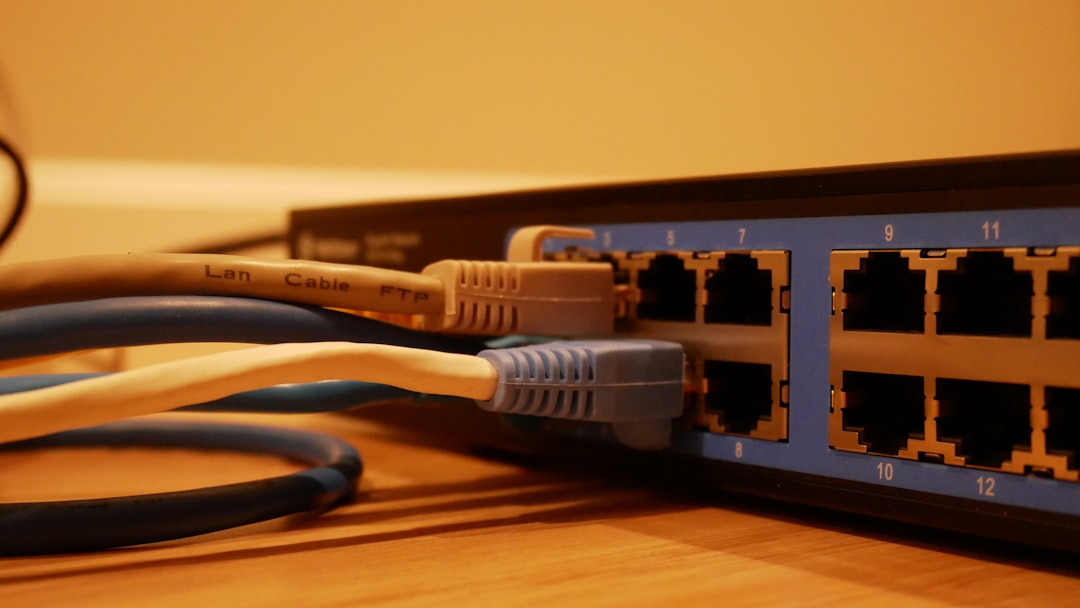
Step 2: Check Cable Connections
Inspect all cables to ensure they are:
- Firmly tightened
- Free of visible damage
- Connected to the correct ports
If possible, test with a different Ethernet cable to eliminate the chance of a faulty wire.
Step 3: Verify Modem Activation
If a new modem was recently installed, it may not be fully activated. Customers can:
- Log in to their Spectrum account online
- Use the Spectrum mobile app
- Contact customer service to confirm provisioning
Sometimes the representative simply needs to reprovision the modem, which refreshes network credentials.
Step 4: Update Router Firmware
Outdated firmware can disrupt authentication protocols.
To update:
- Access the router’s admin panel via its IP address (often 192.168.1.1 or 192.168.0.1)
- Log in with administrator credentials
- Navigate to the firmware update section
- Install any available updates
After updating, restart the router.
Step 5: Check for Area Outages
Visit Spectrum’s outage page or use the mobile app to confirm whether service interruptions are affecting the neighborhood. If an outage exists, waiting for restoration is the only solution.
Step 6: Factory Reset (Last Resort)
If all other steps fail, performing a factory reset may help.
Warning: This will erase customized settings such as WiFi name and password.
- Press and hold the reset button for 10–15 seconds.
- Allow the router to reboot completely.
- Reconfigure network settings from scratch.
When To Contact Spectrum Support
If NETGE-1000 persists after basic troubleshooting, customer support may need to intervene.
Contact Spectrum if:
- The modem shows online but no internet access is available.
- The error appears immediately after equipment replacement.
- There are repeated authentication failures.
- Signal levels appear abnormal.
A technician may remotely reset or reprovision the modem. In some cases, they might schedule an on-site visit to check line quality or replace faulty equipment.
Preventing Future NETGE-1000 Errors
While some errors are unavoidable, preventative steps can significantly reduce recurrence.
Keep Equipment Updated
Regularly update router firmware and use modems approved by Spectrum.
Ensure Proper Ventilation
Overheating can destabilize devices and interrupt connections.
Use Quality Cabling
High-quality coaxial and Ethernet cables reduce signal degradation.
Avoid Frequent Power Interruptions
Using a surge protector or UPS (Uninterruptible Power Supply) protects devices during power fluctuations.

How NETGE-1000 Differs From Other Spectrum Errors
Customers often confuse NETGE-1000 with general connectivity issues. However, this error specifically indicates an authentication or communication breakdown between equipment and Spectrum’s system.
Unlike:
- Slow speed issues (typically bandwidth-related)
- DNS errors (domain resolution issues)
- WiFi signal drops (coverage problems)
NETGE-1000 is primarily tied to authorization or provisioning failures.
Is NETGE-1000 a Hardware Failure?
In most scenarios, the answer is no. The modem or router is usually still functional. The issue typically lies with:
- Activation status
- Firmware compatibility
- Network credentials
- Temporary signal disruption
Hardware replacement is only necessary if diagnostics confirm the device itself is defective.
Final Thoughts
NETGE-1000 may initially seem alarming, but it is often a manageable internet authentication issue rather than a catastrophic failure. Most users restore connectivity by performing a power cycle, checking cables, and ensuring proper provisioning. If quick fixes don’t resolve the issue, Spectrum support can typically correct it remotely.
By understanding the causes and following systematic troubleshooting steps, customers can minimize downtime and restore service efficiently.
Frequently Asked Questions (FAQ)
1. What exactly triggers the NETGE-1000 error?
It is usually triggered by a failed authentication process between the modem/router and Spectrum’s network, often caused by activation, firmware, or connection issues.
2. Can restarting the modem really fix NETGE-1000?
Yes. A full power cycle refreshes the network handshake and often resolves temporary communication glitches.
3. Does NETGE-1000 mean my router is broken?
Not necessarily. Most cases are related to configuration or provisioning errors rather than hardware damage.
4. How long should I wait before contacting Spectrum?
If troubleshooting steps fail after 20–30 minutes and no outage is reported, it’s best to contact support for reprovisioning.
5. Will a factory reset delete my WiFi name and password?
Yes. A factory reset restores the router to default settings, requiring full reconfiguration.
6. Can using third-party routers cause NETGE-1000?
Sometimes. Compatibility or firmware mismatches can trigger authentication problems.
7. Is NETGE-1000 related to slow internet speeds?
No. It typically prevents connection altogether rather than reducing speed.
8. How can I prevent this error in the future?
Keep firmware updated, ensure proper activation after equipment changes, use quality cables, and avoid sudden power disruptions.

