
Why Are In-App Surveys Important for Mobile App Growth and Retention?
Mobile app growth rarely depends on downloads alone. A growing app needs users who understand its value, return regularly, complete meaningful actions, and feel that the product continues to improve around their needs. In-app surveys help mobile teams capture feedback at the exact moment users are experiencing the product, making them one of the most practical tools for improving retention, engagement, and long-term growth.
TLDR: In-app surveys are important because they help mobile app teams understand what users think, feel, and need while they are actively using the app. They reveal friction points, feature requests, satisfaction levels, and reasons behind churn. When used thoughtfully, they help improve onboarding, personalize experiences, prioritize product decisions, and increase retention. They also turn user feedback into a continuous growth engine rather than a one-time research activity.
In-App Surveys Capture Feedback in the Right Context
Traditional feedback methods, such as email surveys or app store reviews, often happen after the user has left the app experience. By that time, the user may have forgotten specific details, lost interest, or only respond when feeling extremely satisfied or frustrated. In-app surveys solve this timing problem by asking questions while the experience is still fresh.
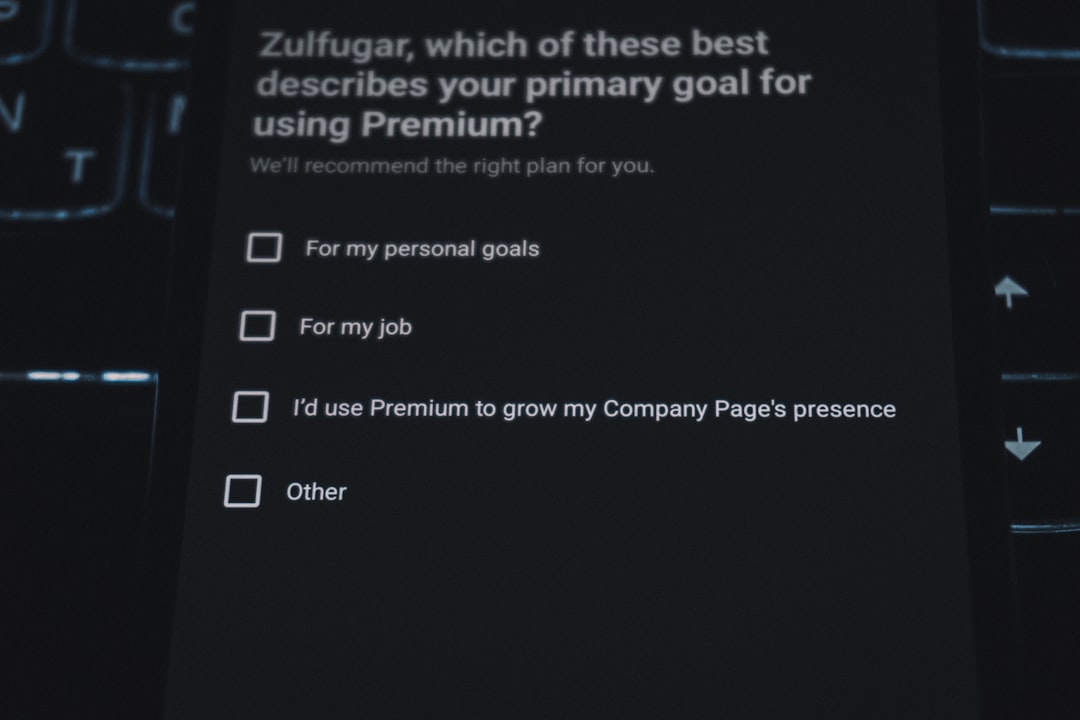
For example, if a user abandons a checkout flow, an app can ask a short question about what prevented completion. If a user finishes onboarding, the app can ask whether the setup process was clear. This contextual feedback is more accurate because it is connected to a specific action, screen, or moment.
The closer feedback is collected to the user experience, the more useful it becomes. This is especially important for mobile apps, where users often make quick decisions and may uninstall an app after only a few poor interactions.
They Help Identify Friction Before Users Churn
Retention problems often begin long before a user actually leaves. A person may become confused during onboarding, disappointed by missing features, annoyed by performance issues, or unsure how to get value from the app. If these problems are not discovered early, the app team may only see the final result: declining engagement or uninstallations.
In-app surveys act as an early warning system. They allow product teams to ask users about specific pain points before frustration becomes permanent. A simple question such as, “What made this step difficult?” or “Did this feature help complete the task?” can uncover valuable insights that analytics alone cannot explain.
Behavioral data may show that users drop off on a certain screen, but it does not always explain why. In-app surveys add the missing human layer. They connect numbers with motivations, expectations, and emotions.
They Improve Onboarding and First-Time User Experience
First impressions are critical in mobile apps. If users do not understand the value of an app quickly, they may never return. In-app surveys can help teams evaluate whether onboarding is clear, helpful, and motivating.
A mobile team might ask new users questions such as:
- “Was it easy to get started?”
- “What goal brought this user to the app?”
- “Which part of setup felt confusing?”
- “Did the app deliver what was expected?”
These answers help teams refine tutorials, shorten unnecessary steps, improve copy, and personalize the first experience. If many users say they want to track habits, book appointments, manage spending, or learn faster, the app can guide them toward the most relevant features immediately.
Better onboarding leads to faster activation, and faster activation often leads to stronger retention.
They Support Better Product Decisions
Mobile app teams often face competing priorities. One group may want to build new features, another may want to fix bugs, while marketing may want better personalization. Without direct user input, decisions can become based on assumptions, internal opinions, or the loudest stakeholder in the room.
In-app surveys provide evidence for prioritization. They show what users actually need, what they find frustrating, and which improvements would have the greatest impact. This helps teams avoid building features that look impressive but do not solve meaningful problems.
For example, if a fitness app is considering adding meal planning, social challenges, or advanced analytics, an in-app survey can ask active users which feature would be most valuable. Responses can be segmented by user type, activity level, subscription status, or engagement pattern. This makes product planning more precise and less risky.
They Increase User Engagement Through Participation
When users are asked for their opinions, they often feel more involved in the product’s development. This sense of participation can strengthen the relationship between the app and its audience. Users are more likely to remain loyal when they believe their feedback matters.
However, the survey experience must be respectful. If surveys are too frequent, too long, or poorly timed, they can interrupt the user journey and create annoyance. Effective in-app surveys are usually short, relevant, and easy to dismiss. Many high-performing surveys use one or two questions, simple rating scales, or quick multiple-choice options.
Good survey timing may include moments such as:
- After a user completes a key action
- After a user interacts with a new feature
- Before a user cancels a subscription
- After a support interaction
- When a user reaches a milestone
These moments feel natural because the question is connected to what just happened. The result is better response quality and less disruption.
They Reveal the Reasons Behind Retention Metrics
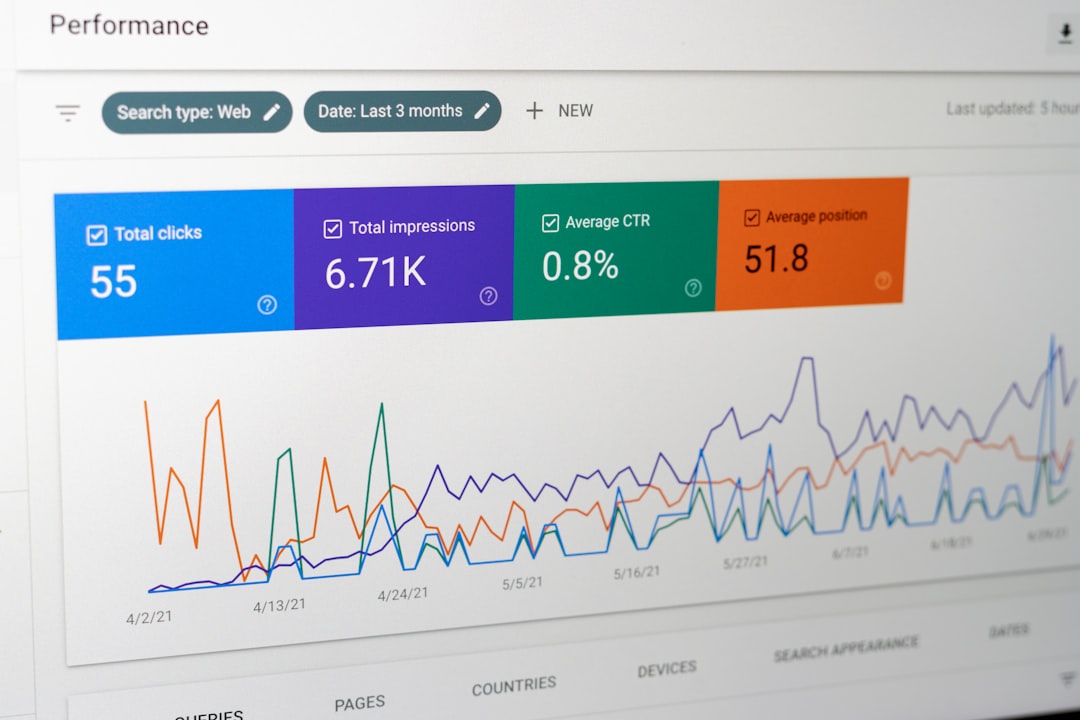
Retention metrics show how many users return after one day, seven days, thirty days, or longer. These metrics are essential, but they do not explain user motivation. In-app surveys help uncover the reasons users stay, leave, upgrade, or reduce activity.
For instance, an app may learn that loyal users continue returning because of a specific feature, a sense of progress, strong reminders, or reliable performance. At the same time, partially active users may report that they forgot about the app, did not understand advanced features, or found the experience too time-consuming.
This type of qualitative insight helps teams design better retention campaigns. Instead of sending generic push notifications, the app can create targeted messages, personalized recommendations, and feature education based on actual user needs.
They Help Reduce Negative App Store Reviews
App store reviews are public, influential, and often difficult to manage. Many users leave reviews only after a strong emotional reaction, especially when they are frustrated. In-app surveys can give users a private channel to share problems before posting negative feedback publicly.
For example, after a poor experience, the app may ask, “What could be improved?” If the answer indicates a bug or confusion, the user can be guided toward support or a helpful resource. This does not mean negative feedback should be hidden. Instead, it means users are given a faster and more useful path to resolution.
By addressing concerns inside the app, teams can improve satisfaction and protect their public reputation. Over time, this can support higher ratings, better conversion from app store visitors, and stronger organic growth.
They Enable Smarter User Segmentation
Not all users are the same. Some are beginners, some are power users, some are price-sensitive, and others use the app for a very specific purpose. In-app surveys help classify users based on goals, preferences, satisfaction, and intent.
This segmentation can be used to improve the entire app experience. A finance app might ask users whether they want to save money, track expenses, invest, or reduce debt. A learning app might ask whether users prefer short lessons, structured courses, or practice quizzes. These answers allow the app to deliver more relevant recommendations and messaging.
Personalization improves retention because users are more likely to return to an app that feels built for their needs. In-app surveys provide the data needed to make that personalization meaningful rather than generic.
They Measure Customer Satisfaction and Loyalty
Many app teams use in-app surveys to measure metrics such as customer satisfaction, customer effort, and Net Promoter Score. These measurements help teams understand how users feel about the product over time.
A short satisfaction survey can reveal whether a new release improved the experience. A customer effort question can show whether users find a task easy or difficult. A loyalty question can indicate whether users are likely to recommend the app to others.

These insights become especially powerful when tracked regularly. If satisfaction drops after a redesign, the team can investigate quickly. If loyalty increases after a feature improvement, the team can identify what worked and repeat that success elsewhere.
They Strengthen Monetization Strategies
Growth and retention are closely connected to monetization. If users do not see enough value, they are unlikely to upgrade, subscribe, or make repeat purchases. In-app surveys help teams understand pricing concerns, feature expectations, and purchase hesitation.
Before introducing a premium plan, an app can ask users which benefits they would pay for. When a user cancels a subscription, the app can ask why. Common answers may include price, missing features, low usage, confusing value, or technical issues.
This feedback helps teams improve pricing pages, trial experiences, subscription benefits, and win-back campaigns. It also prevents teams from guessing why revenue is changing. Instead, they can connect monetization performance to direct user feedback.
Best Practices for Effective In-App Surveys
For in-app surveys to support growth and retention, they must be designed carefully. A poorly planned survey can interrupt users and produce low-quality answers. A well-designed survey feels timely, relevant, and easy to complete.
Effective practices include:
- Keeping surveys short: One to three questions usually perform better than long forms.
- Asking at the right moment: The question should relate to the user’s current action or experience.
- Using clear language: Questions should be simple and specific.
- Offering quick answer formats: Ratings, multiple choice, and short text fields reduce effort.
- Avoiding overuse: Users should not feel interrupted every time they open the app.
- Acting on feedback: Surveys only create value when teams analyze responses and make improvements.
It is also important to close the feedback loop. When user feedback leads to a change, the app team can communicate that improvement through release notes, messages, or announcements. This shows users that their input matters and encourages future participation.
In-App Surveys Turn Feedback Into Continuous Growth
Mobile app growth is not just about acquiring more users. It is about learning from users, improving their experience, and giving them reasons to return. In-app surveys create a direct feedback channel that supports this process at every stage of the user journey.
They help teams understand onboarding, reduce friction, improve features, personalize experiences, strengthen loyalty, and support monetization. Most importantly, they help mobile apps evolve based on real user needs rather than assumptions.
When used strategically, in-app surveys become more than a research tool. They become a retention system, a product improvement engine, and a foundation for sustainable mobile app growth.
FAQ
Why are in-app surveys important for mobile apps?
In-app surveys are important because they collect user feedback while the user is actively experiencing the app. This helps teams understand problems, preferences, satisfaction levels, and opportunities for improvement in real time.
How do in-app surveys improve retention?
They improve retention by identifying friction points before users churn. When teams understand why users are confused, inactive, or dissatisfied, they can make targeted improvements that encourage users to return.
When should an app show an in-app survey?
An app should show a survey after meaningful moments, such as completing onboarding, using a feature, reaching a milestone, canceling a subscription, or finishing a support interaction. The timing should feel relevant and non-disruptive.
How many questions should an in-app survey include?
Most in-app surveys should be short, often between one and three questions. Short surveys are easier to complete and usually receive higher-quality responses.
Can in-app surveys help increase app revenue?
Yes. In-app surveys can reveal why users upgrade, cancel, or avoid purchasing. This feedback helps teams improve pricing, premium features, trial experiences, and subscription messaging.
Are in-app surveys better than app store reviews?
They serve different purposes. App store reviews show public sentiment, while in-app surveys collect private, contextual feedback that can be used to fix issues before they become public complaints.
What makes an in-app survey effective?
An effective in-app survey is short, timely, relevant, easy to answer, and connected to a clear goal. Its value depends on whether the app team reviews the responses and takes action based on the feedback.
