

Why 352p Videos Are Limited To 15 Seconds In Sora? How To Fix Video Playback Issues
When experimenting with AI video generation platforms like Sora, many users quickly notice a limitation: videos generated at 352p resolution are often capped at 15 seconds. At first glance, this restriction can feel arbitrary or frustrating, especially for creators wanting longer clips for storytelling, marketing, or social media campaigns. However, this limitation exists for several technical and performance-based reasons. Understanding why the cap exists—and how to work around playback problems—can help you get the most out of the platform.
TLDR: Sora limits 352p videos to 15 seconds primarily due to processing constraints, bandwidth optimization, and system stability considerations. Even low-resolution videos can consume significant AI compute resources during generation. Playback issues may stem from browser compatibility, hardware limitations, or unstable connections. You can fix most problems by optimizing export settings, clearing cache, updating drivers, or using dedicated video tools.
Understanding the 352p and 15-Second Limitation
At first glance, 352p sounds like a low-resolution output that should allow longer videos. However, AI video generation is fundamentally different from traditional video rendering. Instead of stitching together pre-recorded footage, Sora generates frames using complex machine learning models. Each frame requires extensive computational work, even at lower resolutions.

1. Compute Resource Management
AI-generated videos are extremely demanding. Even short clips require:
- Frame-by-frame generation
- Temporal consistency modeling
- Scene object persistence
- Motion prediction and stabilization
When you multiply that by 30 frames per second, a 15-second clip already requires processing hundreds of frames. Allowing longer clips at scale could overload system servers and impact overall user experience.
2. GPU Memory Constraints
Video generation models use substantial GPU VRAM. As duration increases, so does memory allocation. Even at 352p, longer clips increase:
- Frame buffer size
- Memory for motion tracking
- Attention mapping across time
To maintain reliability and reduce failed renders, Sora enforces time limits.
3. Server Stability and Fair Usage
Platforms offering AI video generation operate under heavy demand. Limiting videos to 15 seconds ensures:
- Fair distribution of processing power
- Reduced queue times
- Lower risk of system crashes
- Affordable operational costs
Without time limits, a small number of users could monopolize rendering capacity.
4. Bandwidth and Streaming Optimization
Even low-resolution videos consume significant bandwidth during preview and download. By limiting length, Sora ensures:
- Faster downloads
- Smoother previews
- Less buffering
- Reduced CDN costs
This improves overall accessibility, especially for users with slower internet speeds.
Why Playback Issues Happen With 352p Videos
If you’re experiencing playback issues—even with short 15-second clips—the problem may not be the platform itself. Several factors can prevent smooth playback.

1. Browser Compatibility Problems
Outdated browsers often struggle with modern codecs such as WebM or H.264 variations used in AI-generated videos. This can lead to:
- Black screens
- Audio without video
- Lagging playback
- Freezing frames
Fix: Update your browser or switch to Chrome, Edge, or Firefox.
2. Insufficient Hardware Acceleration
Some devices do not properly enable hardware acceleration, forcing the CPU to handle decoding tasks. This can overwhelm the system.
Fix:
- Enable hardware acceleration in browser settings
- Update your graphics drivers
- Close background apps using GPU resources
3. Corrupted Cache Files
Browsers store temporary video data. Corrupted cache files can interfere with playback.
Fix:
- Clear browser cache
- Restart the browser
- Re-download the video file
4. Internet Bandwidth Drops
If you’re streaming rather than downloading content, unstable internet connections can cause buffering or fail to load videos altogether.
Fix:
- Run a speed test
- Restart your router
- Switch to wired Ethernet if possible
How To Extend Content Beyond 15 Seconds
While you cannot directly bypass Sora’s imposed limit (unless you upgrade to a higher plan if available), you can creatively work around it.
Option 1: Stitch Multiple Clips Together
Generate several 15-second clips and merge them using a video editor. This is one of the most practical solutions.
Best for: Storytelling, product demos, cinematic sequences.
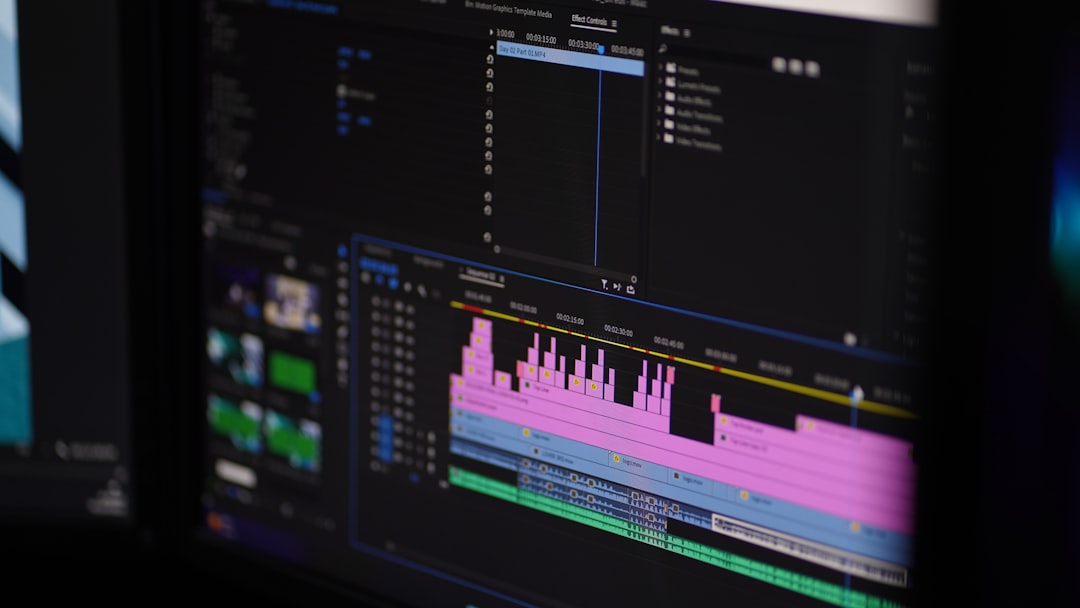
Option 2: Use External Editing Software
Video editing software allows you to combine, upscale, and optimize clips.
Popular Video Tools Comparison
| Tool | Best For | Ease of Use | Supports Stitching | Export Quality Options |
|---|---|---|---|---|
| Adobe Premiere Pro | Professional editing | Moderate to Advanced | Yes | Up to 8K |
| DaVinci Resolve | Color grading and free editing | Moderate | Yes | Up to 8K |
| CapCut | Social media creators | Beginner Friendly | Yes | Up to 4K |
| iMovie | Mac users basic edits | Very Easy | Yes | Up to 4K |
Using one of these tools, you can combine multiple 15-second clips into seamless longer videos.
Option 3: Upscale After Export
Even though Sora limits resolution and duration, you can use AI upscaling tools like:
- Topaz Video AI
- Adobe Enhance
- Online AI upscalers
This improves visual quality without modifying clip duration inside Sora.
Advanced Troubleshooting Techniques
If basic methods don’t resolve playback issues, consider these deeper solutions:
1. Convert Video Format
Sometimes Sora exports in formats that certain devices struggle with. Use a converter such as HandBrake:
- Convert to MP4
- Use H.264 codec
- Adjust bitrate for smoother playback
2. Lower Video Bitrate
Even at low resolution, high bitrates can cause stuttering on older devices.
Recommended settings:
- Bitrate: 1–2 Mbps for 352p
- Frame rate: 24–30 FPS
- Constant quality encoding
3. Disable Browser Extensions
Ad blockers or privacy tools sometimes interfere with video scripts.
4. Check System Resource Usage
Open Task Manager (Windows) or Activity Monitor (Mac) and check:
- CPU Usage above 90%
- GPU Memory saturation
- RAM availability
Freeing system resources often resolves playback instability.
Why Platforms Enforce Restrictions Instead of Offering Unlimited Generation
It may seem counterintuitive that platforms restrict low-resolution videos. However, AI model costs extend beyond simple pixel rendering. They involve:
- Training data costs
- Cloud GPU hosting expenses
- Model maintenance
- Electricity and cooling infrastructure
Shorter clips at lower resolution serve as a compromise between accessibility and sustainability. As models become more efficient, these limits may gradually expand.
Best Practices For Smooth AI Video Workflows
To avoid frustration, adopt these habits:
- Plan videos in 15-second segments
- Storyboard before generating clips
- Use consistent prompts for visual continuity
- Download finished clips immediately
- Store archived copies locally
This approach turns limitations into creative structure rather than obstacles.
The Bigger Picture: AI Video Is Still Evolving
Sora and similar platforms operate at the cutting edge of generative AI. Current technical caps—including 352p limits and duration restrictions—are stepping stones in a rapidly developing field. GPU efficiency improves yearly, and model compression techniques are advancing quickly. What feels like a hard limitation today may double or triple in capacity within a short time.
Understanding the reasoning behind restrictions allows creators to work smarter. Instead of fighting platform limits, you can build modular workflows, use editing software strategically, and troubleshoot playback proactively.
In the end, the 15-second boundary is not a creative wall—it is a design constraint. And history repeatedly shows that constraints often lead to innovation.
By combining multiple clips, optimizing playback settings, and leveraging post-production tools, you can turn short AI-generated segments into polished, professional-grade videos without interruption or technical frustration.

