
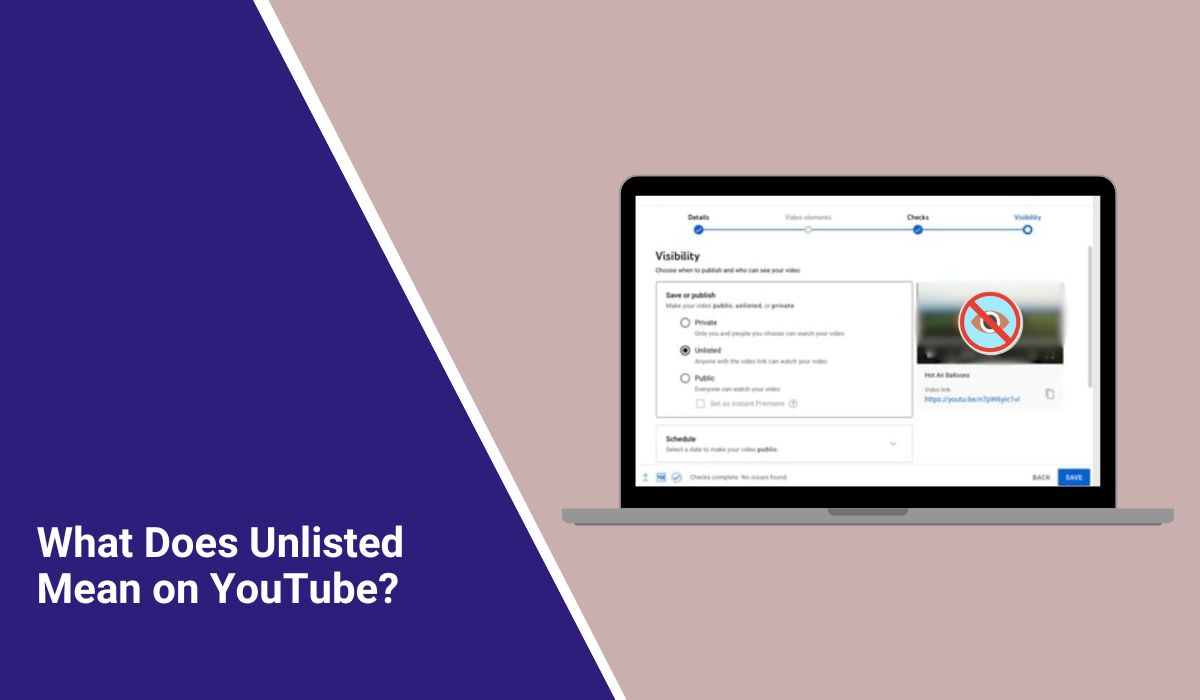
What Does Unlisted Mean on YouTube?
Quick Answer: Unlisted YouTube videos are videos that anyone can watch if they have the link. These videos do not show up on your channel page for other people. They also do not appear in YouTube search unless someone puts them in a public playlist.
YouTube lets you watch videos, upload your own, and share with others. But when you upload, you see different options for who can watch your video. This is where people get confused. You see public, private, and unlisted, but maybe you do not know what each one means.
This guide explains what unlisted means on YouTube in simple words. You will also learn who can watch an unlisted video, how it is different from private, and when you should use it.
What Does Unlisted Mean on YouTube?
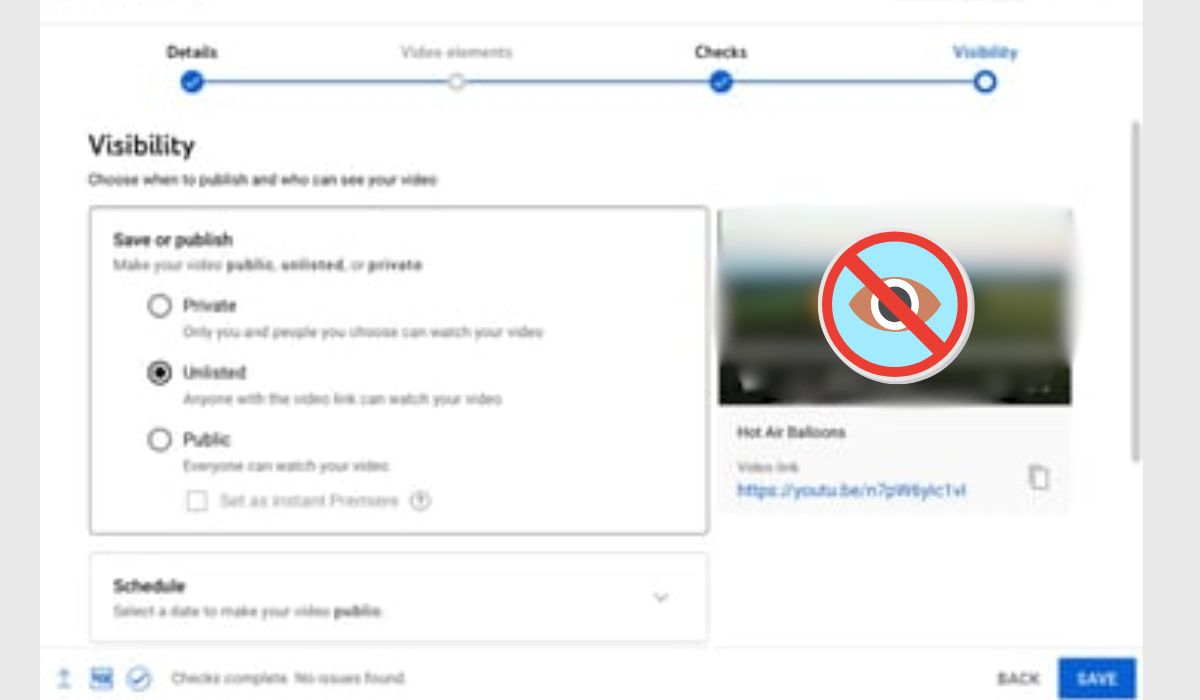
Unlisted videos are not open to everyone like public videos. But they are not locked like private videos. Anyone who has the link can watch and share it.
So unlisted videos are hidden from normal browsing. But they are not really secret. You can think of them as link-only videos. If someone has the link, they can watch it.
Who Can See an Unlisted YouTube Video?
People cannot find unlisted videos by searching on YouTube. They also do not show up on your channel page for others. Many creators use unlisted when they want to share but do not want to make the video fully private.
Still, anyone with the link can view it. That includes:
- friends or family you send the link to
- clients or students who receive the video URL
- anyone they forward the link to
- people who open the video through an embedded page if the link is shared there
So the link is the main thing. If you share the link with someone, they can share it too. More people can watch if the link spreads.
Unlisted vs Public vs Private on YouTube
YouTube has three main settings for videos. Each one controls who can watch and where the video shows up.
| Public | Anyone on YouTube | Yes | Yes |
|---|---|---|---|
| Unlisted | Anyone with the link | Normally no | Yes |
| Private | Only you and people you choose | No | No in the normal public sharing sense |
The easiest way to remember is this. Public is for everyone. Unlisted is hidden but you can share it. Private is only for people you choose.
When Should You Use an Unlisted YouTube Video?
Unlisted is good if you want to share a video with some people but do not want everyone to see it on your channel.
It is useful in cases like these:
- sending a draft video to a client before publishing
- sharing a lesson video with a small group
- showing a family video to relatives
- placing a video on a website without pushing it into public search
- testing a video before making it public later
Unlisted is popular because it is easy. You do not have to invite people one by one like private videos. Just copy the link and send it.Is an Unlisted YouTube Video Safe?
Unlisted is safer than public but not really private. Many people miss this point. If someone shares the link, anyone else can watch it too.
So you should not use unlisted for very private or sensitive videos. It is better for casual sharing or when you only want a few people to see it.
Keep these points in mind:
- The link can be copied and shared
- The video is not meant for search traffic
- It is not the same as a private video
- If privacy matters a lot, private is the better option
How to Make a Video Unlisted on YouTube
You can change video visibility in YouTube Studio. The steps are simple on both desktop and mobile.
Follow these steps:
- Sign in to YouTube Studio.
- Open the Content section.
- Find the video you want to edit.
- Click or tap Visibility.
- Choose Unlisted.
- Save your changes.
Now your video is link-only. It is not public anymore.
Can You Change an Unlisted Video to Public or Private?
Yes, you can change it later. You can switch a video between public, private, and unlisted in the settings.
This gives you more control. You can upload as unlisted, share with a few people, then make it public later. Or you can switch to private if you want more privacy.
Common Mistakes People Make With Unlisted Videos
Many people think unlisted is fully private. That is not true. Anyone with the link can watch and share it.
Some other common mistakes are:
- Sharing the link too widely
- Adding the video to a public playlist
- Using unlisted for sensitive business or personal content
- Forgetting that another viewer can pass the URL to someone else
One important thing to remember. Unlisted videos do not show in search unless someone puts them in a public playlist. Many people miss this small detail.
Do Unlisted Videos Help YouTube SEO?
Unlisted videos are not made for YouTube search. They do not show up in search or on your public channel. So if you want more views or ranking, unlisted is not the best choice.
If you want views from search or suggested videos, use public. Unlisted is better if you care more about who can see the video than about getting more views.
Conclusion
Unlisted YouTube videos are a simple way to share without showing the video on your channel or in search. They work well for drafts, small groups, client reviews, or sharing by link.
My honest opinion is that unlisted is useful, but only when you understand its limit. It is hidden, not locked. If the link matters, the privacy matters too. If you need real control, private is the safer option.
Leave a comment and tell me this: do you use unlisted videos for personal sharing, client work, or something else?
