
What Are Kubernetes Nodes? Beginner-Friendly Explanation With Diagrams And Examples
Kubernetes has become the de facto standard for managing containerized applications, but for beginners, its terminology can feel overwhelming. One of the most fundamental concepts inside a Kubernetes cluster is the node. Understanding what a Kubernetes node is—and how it works—provides a solid foundation for grasping how applications are deployed, scaled, and maintained in modern cloud environments.
TLDR: A Kubernetes node is a physical or virtual machine that runs containerized applications inside a Kubernetes cluster. Each node hosts one or more pods and includes essential components such as the kubelet, container runtime, and kube-proxy. Nodes receive instructions from the control plane and execute workloads accordingly. In simple terms, if Kubernetes is the brain, nodes are the workers that get the actual job done.
What Is a Kubernetes Cluster?
Before diving into nodes specifically, it helps to understand the broader structure. A Kubernetes cluster is made up of:
- The Control Plane – The “brain” that makes decisions about scheduling, scaling, and managing workloads.
- Nodes – The worker machines that run applications.
Think of the cluster as a factory. The control plane acts as management, deciding what needs to be built and where. The nodes are the factory workers that perform the actual tasks.
What Exactly Is a Kubernetes Node?
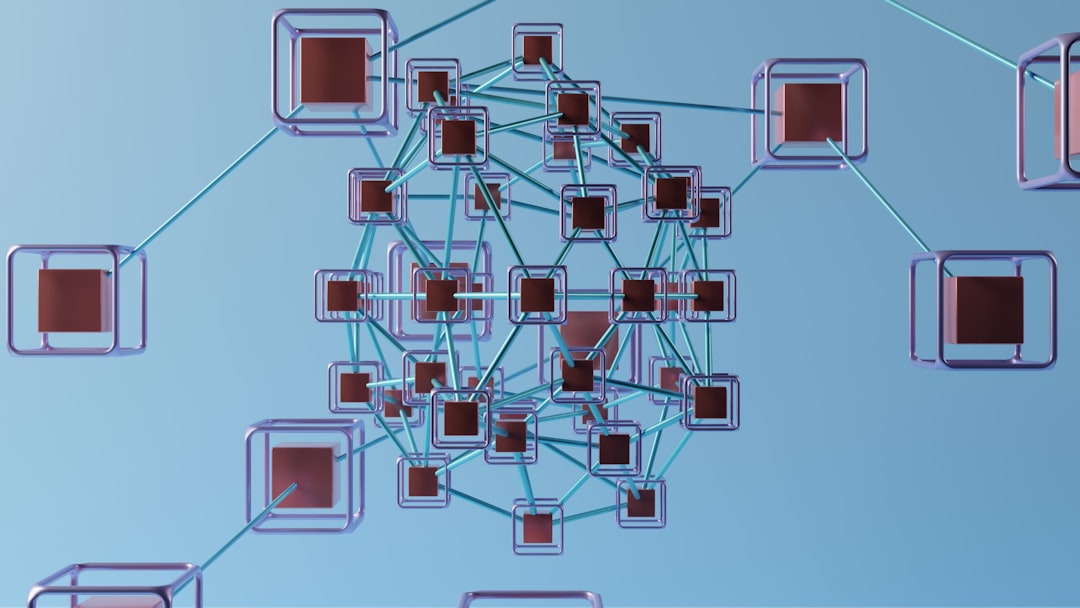
A Kubernetes node is a machine—either physical (bare metal) or virtual—that runs containerized applications. Each node is part of a larger Kubernetes cluster and is responsible for hosting pods, which are the smallest deployable units in Kubernetes.
In simpler terms:
- Applications run inside containers.
- Containers are grouped into pods.
- Pods run on nodes.
Without nodes, there would be nowhere for workloads to run. They provide the computing power (CPU), memory (RAM), storage, and networking required to execute applications.
What Runs Inside a Node?
Each Kubernetes node contains several important components that allow it to function properly within the cluster.
1. Kubelet
The kubelet is a small agent that runs on every node. It communicates with the control plane and ensures that containers described in Pod specifications are running and healthy.
If the control plane says, “Run three instances of this application,” the kubelet on assigned nodes makes sure those instances start and stay running.
2. Container Runtime
The container runtime is the software responsible for running containers. Examples include:
- containerd
- CRI-O
This runtime pulls container images and executes them.
3. Kube-Proxy
Kube-proxy handles network communication. It ensures that traffic can reach the correct pods, whether the communication originates inside or outside the cluster.
Types of Kubernetes Nodes
Nodes can vary depending on infrastructure and purpose. Beginners should understand the common distinctions.
1. Physical vs Virtual Nodes
- Physical nodes: Actual servers in data centers.
- Virtual nodes: Virtual machines running on cloud platforms like AWS, Azure, or Google Cloud.
In modern deployments, most Kubernetes nodes are virtual machines provisioned automatically in the cloud.
2. Worker Nodes vs Control Plane Nodes
Most nodes in a cluster are worker nodes. These are the machines that run application workloads.
There are also control plane nodes, which run Kubernetes system components like:
- API Server
- Scheduler
- Controller Manager
In small clusters, a single machine may act as both a worker and a control plane node. In production environments, they are usually separated for reliability and performance.
How Nodes Work in Practice (Step-by-Step Example)
To better understand nodes, consider a simple real-world example.
Imagine a company deploying a web application using Kubernetes. The deployment specifies:
- 3 replicas (three identical application instances)
- 1 container per pod
Step 1: The Request
The user submits the deployment configuration to the Kubernetes API server.
Step 2: Scheduling
The scheduler decides which nodes have enough CPU and memory to run the pods.
Step 3: Pod Assignment
Each selected node receives instructions from the control plane.
Step 4: Execution
The kubelet on each assigned node tells the container runtime to pull the necessary image and start the container.
Step 5: Networking
Kube-proxy ensures traffic can reach all three running pods.
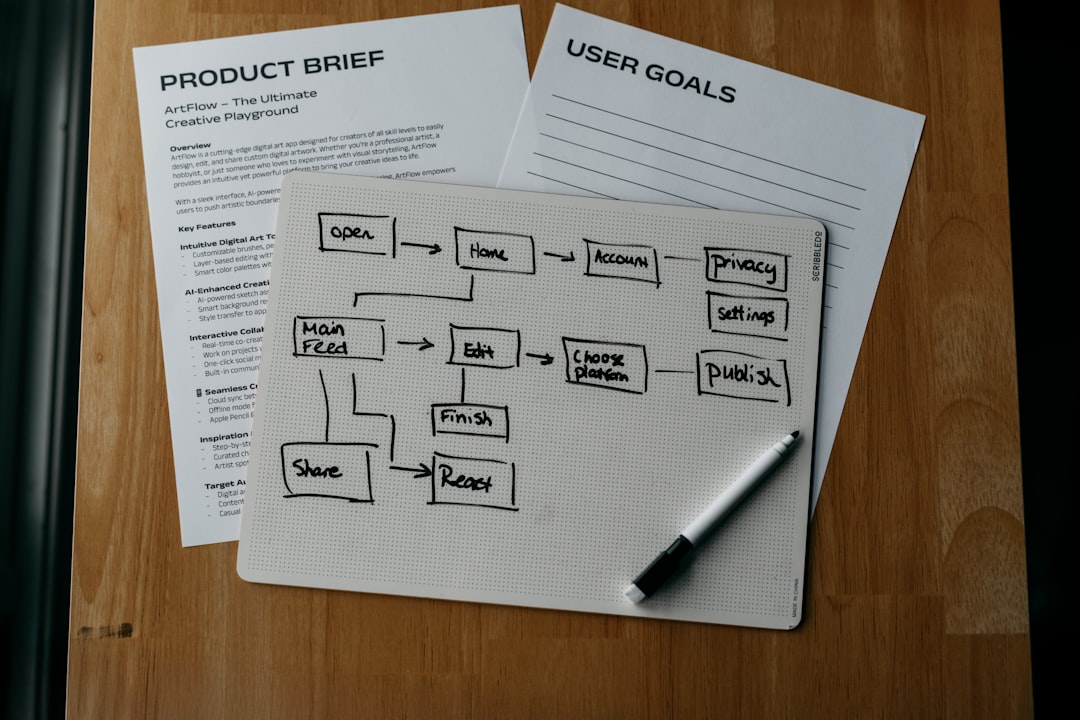
Through this process, nodes act as the physical or virtual space where application workloads come to life.
Node Resources: CPU, Memory, and Storage
Each node provides finite resources. Kubernetes carefully manages these resources to prevent overload.
Allocatable Resources
Nodes report available:
- CPU cores
- RAM
- Storage
When scheduling pods, Kubernetes ensures a node has enough free resources before placing a workload there.
Example Scenario
If a node has:
- 4 CPU cores
- 8 GB RAM
And two pods already consume 2 cores and 4 GB RAM, only the remaining resources are available for new pods.
If insufficient resources are available, Kubernetes will:
- Select another node, or
- Leave the pod pending until capacity becomes available.
Node Labels and Taints
Kubernetes offers advanced ways to control where pods run through labels and taints.
Labels
Labels are key-value pairs attached to nodes. For example:
- environment = production
- gpu = true
Pods can request specific labels, ensuring they run only on compatible nodes.
Taints and Tolerations
Taints prevent certain pods from being scheduled on a node unless explicitly allowed.
This helps reserve special nodes for:
- High-performance workloads
- GPU processing
- Critical system components
What Happens If a Node Fails?
One of Kubernetes’ most powerful features is self-healing.
If a node crashes or becomes unreachable:
- The control plane detects the failure.
- Running pods on that node are marked as failed.
- New replacement pods are scheduled on healthy nodes.
This design ensures high availability. Instead of manually fixing the failed machine before restoring services, Kubernetes automatically relocates workloads.
Scaling Nodes
In cloud environments, nodes can be added or removed automatically using a cluster autoscaler.
Example:
- Traffic increases dramatically.
- Pods require more resources than available nodes can provide.
- Kubernetes provisions new virtual machines.
- Workloads are distributed across new nodes.
When demand decreases, unnecessary nodes can be terminated to save costs.
Why Nodes Matter for Beginners
Understanding nodes helps beginners:
- Troubleshoot performance issues
- Estimate infrastructure costs
- Plan scaling strategies
- Diagnose pod scheduling problems
Many Kubernetes issues relate directly to node conditions, such as insufficient memory, networking problems, or node failures. Knowing what a node does makes debugging far less intimidating.
Simple Analogy: Kubernetes Nodes as Apartment Buildings
A helpful analogy compares Kubernetes to a housing system:
- The cluster is the city.
- Nodes are apartment buildings.
- Pods are apartments.
- Containers are tenants.
The city management (control plane) decides where tenants live. The buildings (nodes) provide electricity, water, and infrastructure. If one building becomes unsafe, tenants are relocated to other buildings.
This analogy simplifies how nodes fit into the broader Kubernetes ecosystem.
Frequently Asked Questions (FAQ)
1. Is a Kubernetes node the same as a pod?
No. A node is a machine (physical or virtual). A pod is a group of containers that run on a node.
2. Can a node run multiple pods?
Yes. A node typically runs many pods, depending on available CPU and memory resources.
3. How many nodes should a cluster have?
It depends on workload requirements. Production systems usually have multiple worker nodes for high availability and scalability.
4. What happens when a node runs out of memory?
Kubernetes may evict pods to protect system stability. New pods will not be scheduled on that node until resources are freed.
5. Are nodes always virtual machines?
No. Nodes can be physical servers or virtual machines. However, most modern Kubernetes deployments use virtual machines in the cloud.
6. Can workloads be restricted to specific nodes?
Yes. Using node labels, selectors, taints, and tolerations, administrators can control precisely where pods are scheduled.
7. Is it possible to manually add or remove nodes?
Yes. Nodes can be added or removed manually, though cloud environments often automate this process with autoscaling features.
8. What is the difference between a worker node and a control plane node?
Worker nodes run application workloads. Control plane nodes run Kubernetes management components such as the API server and scheduler.
By understanding Kubernetes nodes as the machines that power containerized workloads, beginners gain essential insight into how Kubernetes turns configuration files into running applications. Nodes provide the infrastructure, stability, and scalability that make Kubernetes such a powerful orchestration platform.

