
Must-Try Website Builders for Personal Brands and Portfolios
In today’s digital-first world, a strong online presence is no longer optional for professionals, creatives, and entrepreneurs building personal brands. A well-designed personal website acts as a digital home base, showcasing achievements, skills, experience, and personality in a way social media alone cannot. Fortunately, modern website builders make it easier than ever to create polished, professional sites without coding knowledge or a large budget.
TLDR: The best website builders for personal brands and portfolios combine ease of use, design flexibility, and strong customization features. Platforms like Wix, Squarespace, WordPress.com, Webflow, and Carrd cater to different skill levels and branding needs. Choosing the right builder depends on goals, budget, and technical comfort. A thoughtfully selected platform can significantly enhance visibility, credibility, and growth opportunities.
Whether someone is a freelance designer, consultant, photographer, coach, or aspiring thought leader, selecting the right website builder can dramatically impact how their audience perceives them. Below is a curated list of must-try website builders tailored to personal branding and portfolio use cases.
1. Wix
Best for: Beginners who want creative freedom and drag-and-drop simplicity.
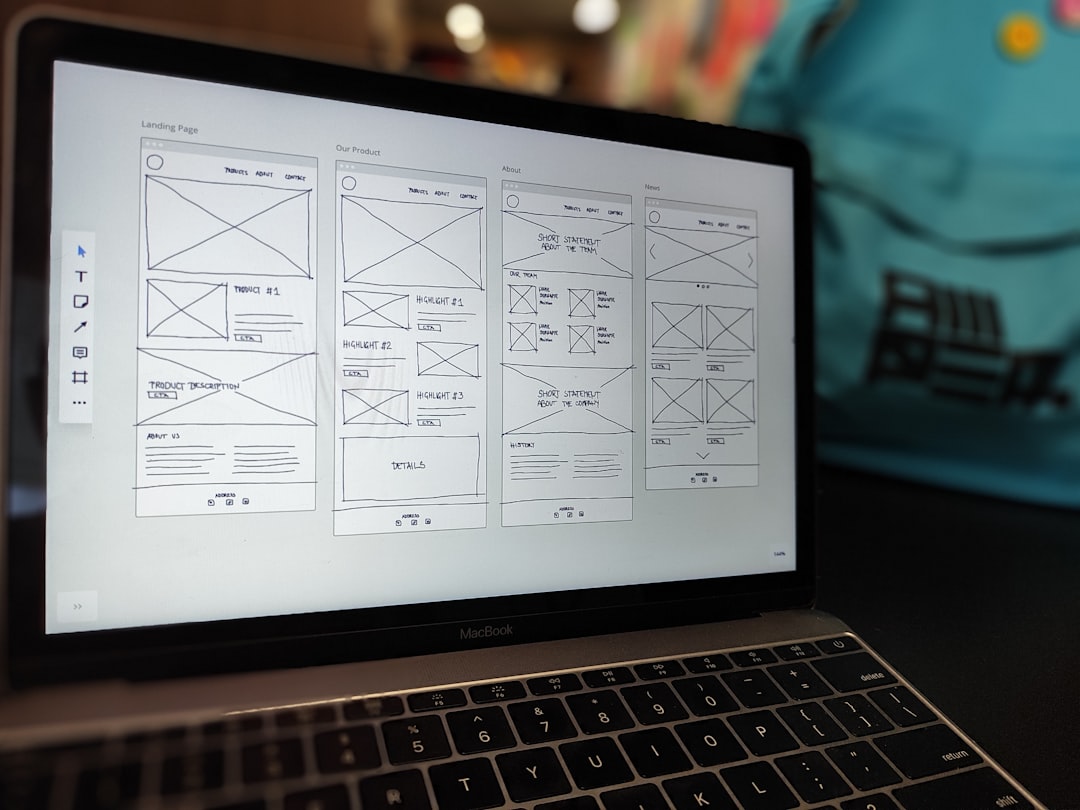
Wix is widely recognized for its user-friendly drag-and-drop interface. Users can visually place elements anywhere on the page, making it ideal for creatives who want complete control over layout without diving into code.
- Hundreds of customizable templates
- Built-in SEO tools
- App marketplace for added functionality
- Blog and e-commerce integration
Wix is particularly attractive to photographers, artists, and freelancers who want visually dynamic portfolios. Its flexibility allows bold, personalized designs.
However, highly advanced customization or scalability may require upgrading to higher-tier plans.
2. Squarespace
Best for: Creatives who value sleek, minimalist design.
Squarespace has built a reputation for providing some of the most elegant templates on the market. Its layouts are ideal for photographers, stylists, writers, and consultants looking for polished aesthetics.
- Award-winning templates
- Strong blogging features
- Integrated analytics
- Content scheduling tools
Squarespace offers balanced flexibility with a more structured editing system than Wix. While it may feel slightly restrictive to advanced designers, its built-in design harmony ensures that sites maintain a professional look.
3. WordPress.com
Best for: Thought leaders, writers, and professionals focused on content.
WordPress.com is rooted in blogging excellence. It offers powerful publishing tools and scalability for those who want to grow their brand through long-form content, SEO, and content marketing.
- Extensive theme selection
- Advanced blogging capabilities
- Plugin integrations (on higher plans)
- Flexible domain options
It’s an excellent choice for consultants, coaches, educators, and industry experts seeking authority-building through articles and case studies.
However, customization varies depending on the plan selected, and beginners may face a small learning curve.
4. Webflow
Best for: Designers and advanced users who want deep customization.
Webflow stands out as a powerful visual development tool. It combines design freedom with structured layout control, allowing pixel-perfect customization.
- Advanced design control
- Responsive design management
- CMS for dynamic content
- Clean code generation
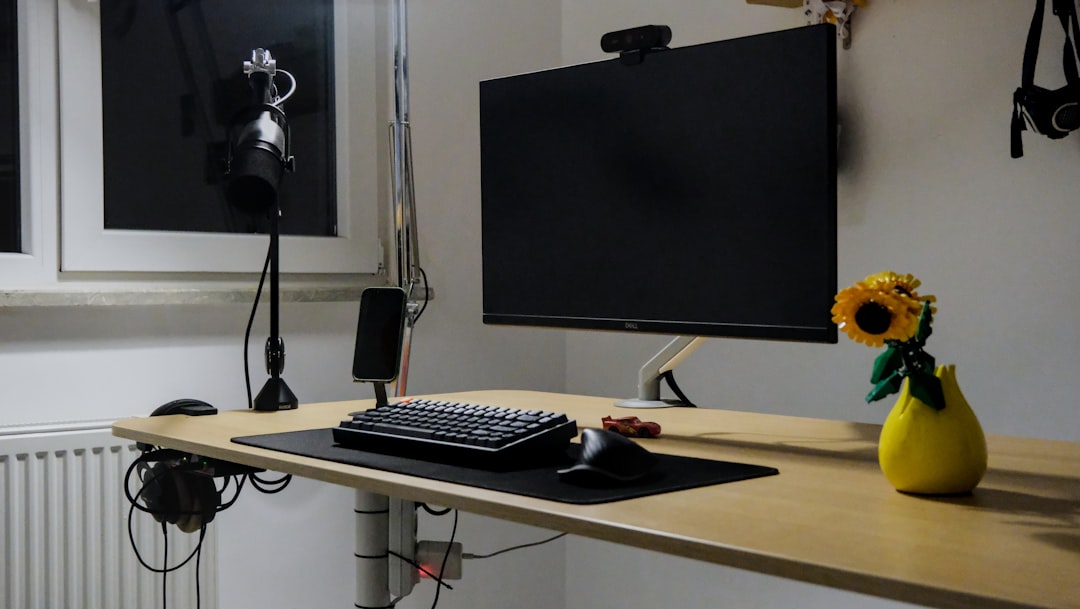
Webflow is particularly appealing to creative professionals who understand design systems and layout structure. It bridges the gap between visual design and coding, making it ideal for advanced portfolios and interactive projects.
That said, it may not be suitable for beginners due to its steeper learning curve.
5. Carrd
Best for: Simple, one-page personal brands.
Carrd is designed for simplicity. It allows users to build clean, professional one-page websites quickly and affordably.
- Extremely affordable pricing
- Responsive templates
- Quick setup
- Excellent for landing pages
Freelancers, students, speakers, and creators looking for a digital business card often gravitate toward Carrd. While it lacks complex multi-page structures, it excels in clarity and speed.
Comparison Chart
| Website Builder | Ease of Use | Design Flexibility | Best For | Pricing Level |
|---|---|---|---|---|
| Wix | Very Easy | High | Creative freelancers | Moderate |
| Squarespace | Easy | Moderate | Visual portfolios | Moderate |
| WordPress.com | Moderate | High (on premium plans) | Bloggers and thought leaders | Flexible |
| Webflow | Advanced | Very High | Professional designers | Higher |
| Carrd | Very Easy | Basic | One-page profiles | Low |
Key Features to Look For
When selecting a website builder for a personal brand or portfolio, certain features are particularly important:
- Customization options: Color palettes, typography, and layout flexibility.
- Mobile responsiveness: Designs must look great on smartphones and tablets.
- SEO capabilities: Meta tags, alt text, and search optimization tools.
- Content management: Easy updating of portfolios and blogs.
- Integration possibilities: Social media, email marketing, booking systems.
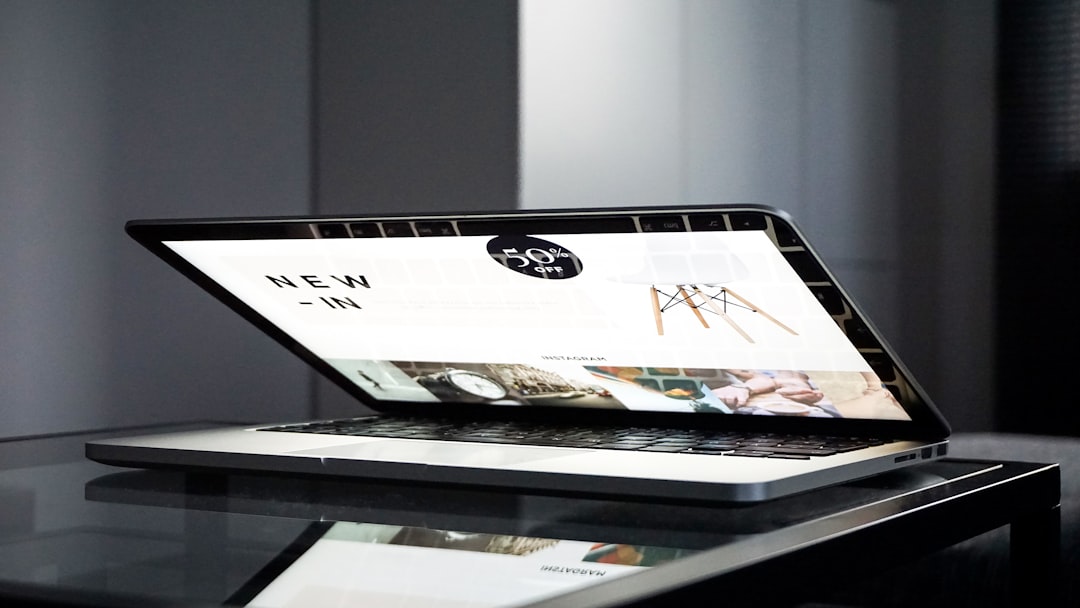
Personal brands evolve over time, so choosing a builder with room for growth ensures long-term sustainability.
Why a Personal Website Still Matters
While social platforms are powerful discovery tools, algorithms and platform changes can limit visibility. A personal website provides:
- Full ownership of branding and messaging
- Professional credibility in competitive industries
- A central content hub
- Control over user experience
Employers, clients, and collaborators often search names online before making decisions. A strong website ensures they find a cohesive, intentional representation of expertise and personality.
Conclusion
Choosing the right website builder for a personal brand or portfolio ultimately depends on objectives, creativity level, technical comfort, and budget. Wix offers flexibility for visual thinkers, Squarespace delivers elegant minimalism, WordPress.com empowers content-driven growth, Webflow unlocks advanced customization, and Carrd simplifies single-page branding.
By strategically selecting and leveraging one of these platforms, professionals can create compelling digital spaces that communicate value, attract opportunities, and establish authority in their field.
Frequently Asked Questions (FAQ)
1. Which website builder is best for beginners?
Wix and Carrd are typically the easiest for beginners due to their intuitive interfaces and drag-and-drop functionality.
2. What is the best platform for a photography portfolio?
Squarespace and Wix are popular among photographers because of their visually striking templates and strong image display features.
3. Is WordPress.com good for personal branding?
Yes. It is especially effective for individuals focused on blogging, thought leadership, and content marketing strategies.
4. Do personal website builders include SEO tools?
Most modern website builders provide built-in SEO capabilities such as customizable meta descriptions, image alt text, and sitemap generation.
5. Can someone switch website builders later?
Yes, but migration can require manual adjustments and content transfer. Choosing a scalable platform from the beginning can reduce complications later.
6. Is it necessary to know coding to build a personal portfolio?
No. All the platforms discussed allow users to build professional websites without coding knowledge, though advanced customization may benefit from technical skills.

