
How to Fix Claude “There Was an Error Logging You In”?
You open Claude, enter your details, and instead of getting in, you see the message “There was an error logging you in.” That can be frustrating, especially when you need quick access. The message feels vague, so it’s hard to know what went wrong.
This guide explains what this Claude login error means, why it happens, how to fix it step by step, and when the issue is not on your side.
What Is the Claude Login Error?
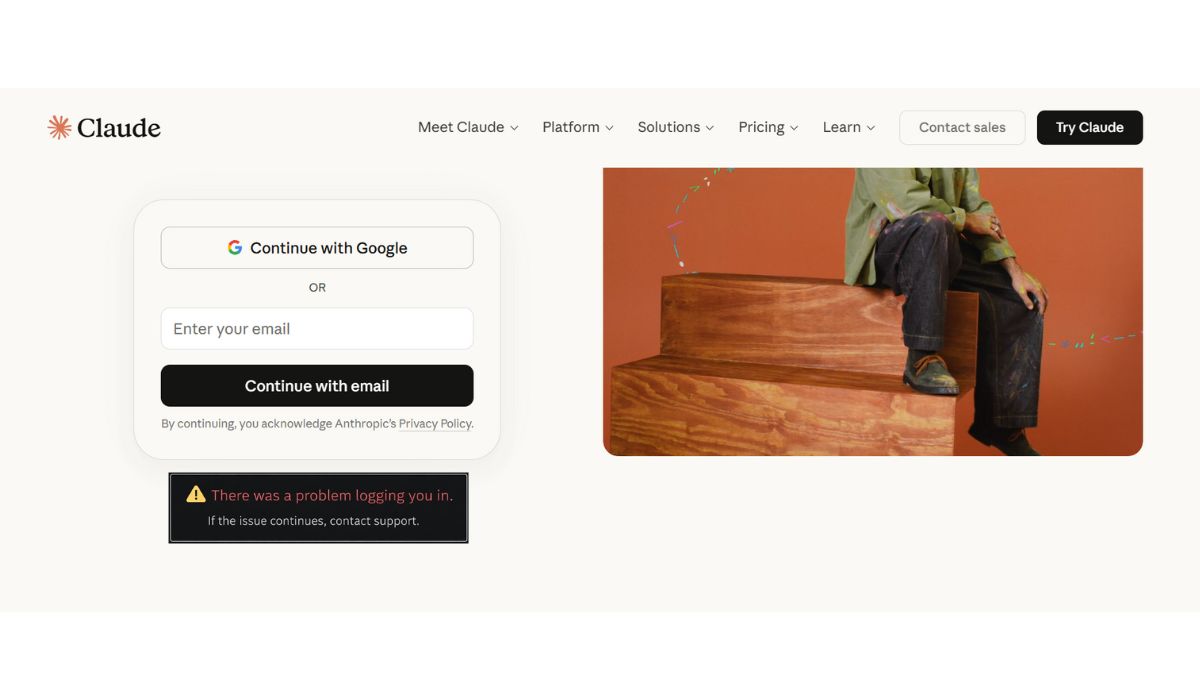
The Claude login error appears when the system cannot complete the authentication process. Your login request reaches the platform, but something fails while starting your session. This usually relates to account validation or session handling rather than incorrect credentials.
Most users see this message on the login page, right after submitting their email or password, or when Claude tries to load the account dashboard.
Common Causes of Claude “There Was an Error Logging You In”
This error can happen for several reasons, usually linked to sessions, browser data, or server checks.
- Temporary Anthropic server issues
- Expired or corrupted login session
- Browser cache or cookie conflicts
- VPN or proxy interference
- Unstable internet connection
- Too many login attempts in a short time
- Account verification or security checks
How to Fix Claude Login Error
Most fixes focus on resetting your login session or removing browser conflicts. Try the following solutions one at a time.
Fix #1: Refresh the Login Page and Try Again
A simple refresh can clear temporary session issues that block login.
Follow the steps below to retry login safely.
- Reload the Claude login page.
- Wait for it to fully load.
- Enter your login details again.
- Click sign in.
- Check if access is restored.
Fix #2: Log Out Completely and Sign In Again
Partial or stuck sessions can trigger login errors. Logging out resets them.
Here’s how you can reset your login session.
- Close all Claude tabs.
- Open the login page again.
- Sign in using your email.
- Complete any verification steps.
- Check if Claude loads normally.
Fix #3: Clear Browser Cache and Cookies
Old or corrupted cookies can break authentication tokens.
The following steps will show you how to clear browser data.
- Open your browser settings.
- Go to Privacy or History.
- Select Clear browsing data.
- Choose cookies and cached files.
- Confirm and restart the browser.
- Try logging in again.
Fix #4: Try a Different Browser or Incognito Mode
Browser extensions or settings can interfere with login. Testing another environment helps isolate the issue.
Open Claude in a different browser or use private browsing mode, then try signing in again.
Fix #5: Disable VPN or Proxy Temporarily
VPNs and proxies can trigger security blocks during login checks. Claude may reject the session when a masked location is detected.
Turn off your VPN, reload the login page, and try signing in using your normal network.
Fix #6: Check Claude Service Status
Sometimes the problem is on the server side. Login systems may be unavailable during outages or maintenance.
Check the official Claude or Anthropic status page if available. If login services are down, waiting is the only fix.
Fix #7: Wait and Try Again Later
Too many login attempts or temporary rate limits can block access. Repeated retries can make it worse.
Wait 15 to 30 minutes, then try logging in again with a fresh browser session.
Prevention Tips to Avoid Claude Login Errors in the Future
A few simple habits can reduce login problems over time.
- Avoid rapid repeated login attempts
- Keep cookies enabled in your browser
- Use a stable internet connection
- Avoid VPNs during login
- Log out properly after each session
- Keep your browser updated
- Save login details securely
Conclusion
The Claude message “There was an error logging you in” usually points to a temporary authentication or session issue. In most cases, refreshing the page, clearing browser data, or waiting resolves it quickly. It rarely means your account is broken.
Try each fix calmly and give the system time to recover. If the error continues across devices and browsers, contact Anthropic support with details about the issue. If this guide helped you, share it and leave a comment about which fix worked for you.

