Choosing The Right Technology Stack For Healthcare Software Development

Healthcare software development is a complex endeavor, where the choice of technology stack can significantly impact patient outcomes, operational efficiency, and regulatory compliance. In an industry increasingly reliant on digital solutions like electronic health records (EHRs), telemedicine platforms, and AI-driven diagnostics, selecting the right technologies ensures scalability, security, and seamless ...

Safely Remove Temporary Files With PowerShell Remove-Item

Windows systems often accumulate numerous temporary files over time. These files can include cached data, logs, install leftovers, and other items that are no longer needed. If left unchecked, temporary files can consume valuable disk space and even affect system performance. For system administrators and power users, PowerShell offers a ...

When and Why to Use Get-ADGroupMember for Group Queries

Ever wondered who’s hiding inside your Active Directory groups? Or maybe you’re just trying to clean up the mess? If that sounds like you, then Get-ADGroupMember is your new best friend! This powerful little command from PowerShell lets you peek inside any AD group and see every user, computer, or ...

Get-ADComputer Filters: Find Inactive Devices in AD

Maintaining a secure and efficient Active Directory (AD) environment means regularly identifying and cleaning up inactive devices. Inactive computer accounts not only clutter your directory but can also pose potential security risks if not properly managed. Fortunately, PowerShell offers a powerful cmdlet — Get-ADComputer — that can help IT administrators ...

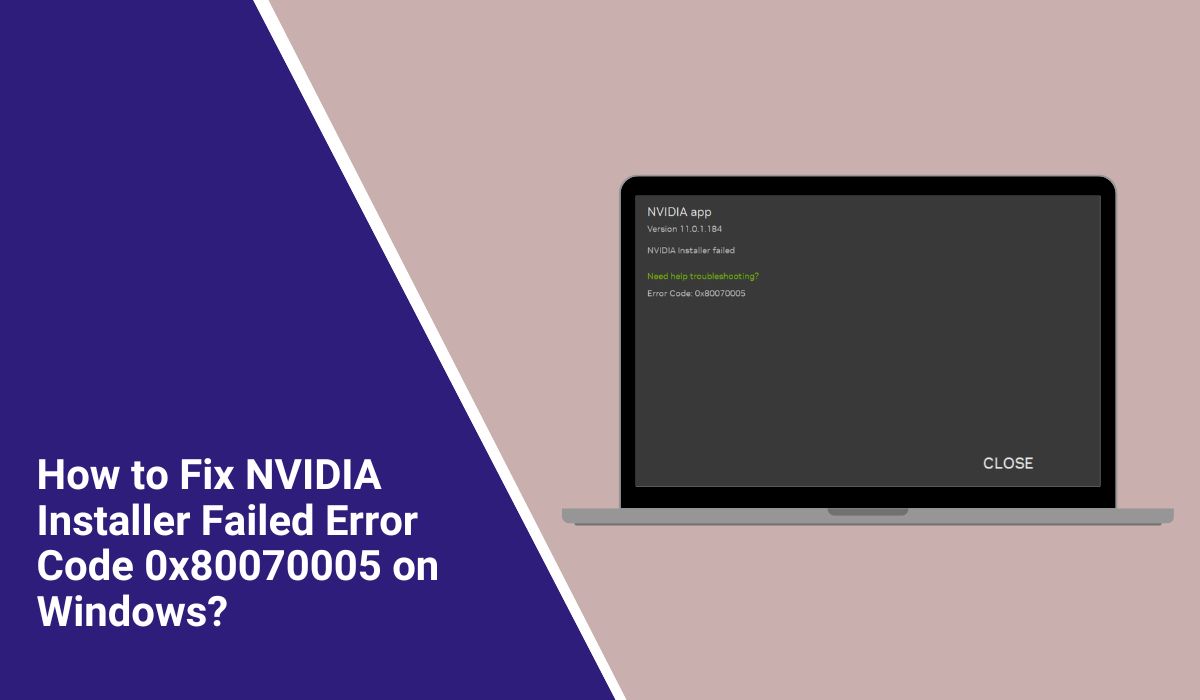
How to Fix NVIDIA Installer Failed Error Code 0x80070005 on Windows?

NVIDIA graphics drivers are the bridge between your graphics card and Windows. They control how your GPU talks to the operating system and your games. Without the right driver, you can face crashes, stutters, or missing features in apps like the NVIDIA Control Panel. Sometimes, when you try to install ...

Modernizing Legacy Systems: Upgrade Exchange 2013/2016 Securely

As businesses strive to stay competitive in an increasingly digital world, IT leaders are under pressure to modernize their infrastructure. One crucial component of this modernization effort is upgrading legacy messaging platforms such as Microsoft Exchange 2013 and 2016. While these systems have served organizations well, continued reliance on outdated ...

Dedicated Servers to Buy in 2025: Performance, Pricing, and Tips

As 2025 unfolds, the demand for robust hosting solutions continues to grow. Businesses, developers, and online entrepreneurs are increasingly looking toward dedicated servers for enhanced control, performance, and scalability. Whether you’re running resource-intensive applications, hosting large websites, or managing critical databases, the right dedicated server can make all the difference. ...

Streamlining IT Operations With PowerShell Task Automation

In today’s fast-paced and increasingly digital business environment, Information Technology (IT) departments are under constant pressure to deliver reliable, secure, and efficient services. The increasing complexity of IT environments demands tools and techniques that can automate repetitive tasks while reducing human errors and increasing productivity. One such powerful tool is ...

Can You Delete NVIDIA Post-Processing Session Logs? Safe to Remove or Not

NVIDIA post-processing session logs are created by tools like Nsight Systems and Nsight Compute after GPU profiling sessions. These logs store processed data such as GPU timelines, CPU utilisation charts, kernel execution summaries, and exported CSV or HTML reports. They are not part of your active NVIDIA GPU driver or CUDA runtime — they exist only for profiling analysis. Over time, large projects ...

Don’t Panic! Here’s How to Fix When the Windows 10 Login Screen Doesn’t Appear

It’s a sinking feeling — you power on your computer, only to find that the Windows 10 login screen doesn’t appear. Before jumping to conclusions and assuming the worst, know that this is a common issue with several straightforward solutions. Whether it’s due to recent updates, driver issues, system corruption, ...