
A Complete Guide to Using a Hard Wallet for Crypto Safely
Welcome to the wild world of cryptocurrency! If you’re here, chances are you’ve bought some crypto and are now thinking, “How do I keep this safe?” Great question! Let’s dive into the world of hard wallets and how to use them like a boss.
TL;DR
A hard wallet is a physical device that stores your crypto offline. It’s much safer than leaving your coins in an exchange wallet. They help protect you from hackers and scams. Using one isn’t hard, and this guide will show you how.
What Is a Hard Wallet, Anyway?
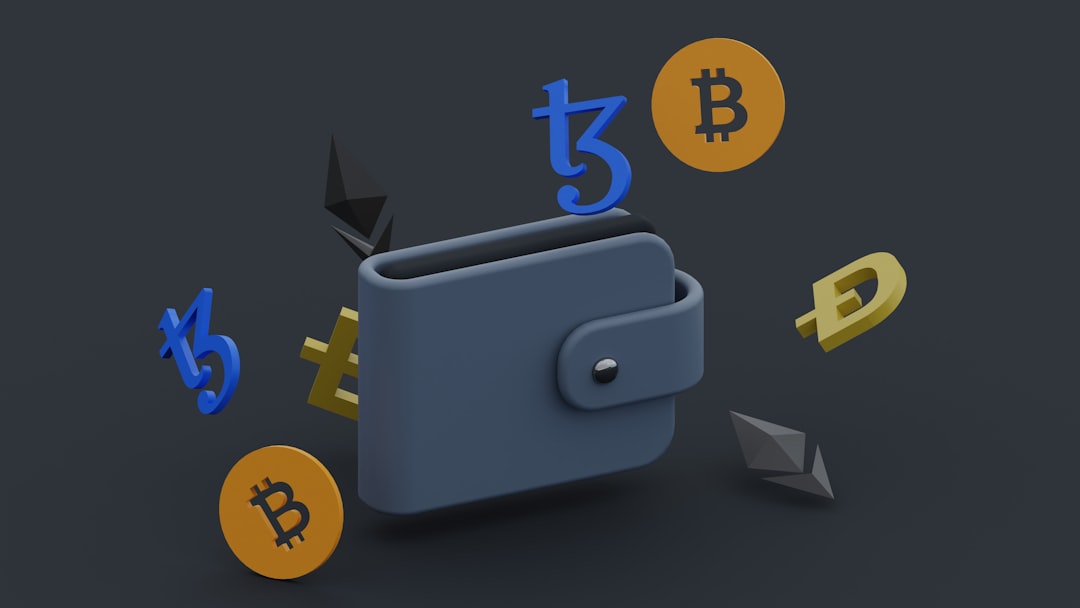
A hard wallet—also called a hardware wallet—is a small device that stores your private keys offline. These keys are what allow you to control and access your crypto. Without the keys, you can’t use your coins. And if someone else gets them? Say goodbye to your crypto.
Hard wallets are designed to be secure, even if you plug them into a sketchy computer. That’s what makes them one of the safest options for storing your coins.
Some popular brands include:
- Ledger Nano S / X
- Trezor One / Model T
- KeepKey
Why Should I Use a Hard Wallet?
Let’s look at some quick reasons to use a hard wallet:
- Security: Your keys stay offline and out of reach of hackers.
- Backups: You get a recovery phrase to restore your wallet if lost or broken.
- Control: You hold your private keys. Not an exchange, not your friend, you.
There’s a saying in crypto: “Not your keys, not your coins.” A hard wallet gives you full ownership.
How to Set One Up – The Easy Way
Don’t worry. You don’t need to be a tech genius to use a hard wallet. Here’s a simple step-by-step guide:
- Unbox your hard wallet. Only buy from official websites—no eBay, no used stuff. Ever.
- Plug it into your computer. Most will prompt you to install their official app.
- Create a new wallet. The device will generate your private keys.
- Write down your recovery phrase. Usually 12 to 24 words. Do NOT store this digitally!
- Confirm the phrase. The wallet will ask you to re-enter it for safety.
- Set a PIN. This adds another layer of protection.
- You’re done! You can now send your crypto to the wallet address shown.
How to Keep Your Hard Wallet Safe
You’ve set up your wallet. Awesome! But crypto safety doesn’t end there. Follow these tips to stay protected:
- Store the recovery phrase offline. Use a metal backup if you want to get fancy. Fire- and waterproof!
- Use a strong PIN. Avoid birthdays or simple numbers.
- Never share your recovery phrase. Not with anyone. Ever.
- Keep your device in a secure place. A lockbox, safe, or hidden drawer works great.
Remember, most hacks happen because users make mistakes. When in doubt, double-check before clicking or typing anything.
What If I Lose My Device?
Relax! If you followed the setup correctly, you wrote down your recovery phrase. You can use that phrase to restore your wallet on a new device. This magic phrase brings your wallet and crypto back to life.
Just make sure no one else has a copy of it. Otherwise, they can do the same thing—and you don’t want that.
Sending and Receiving Crypto
Once your hard wallet is set up, you can start sending and receiving crypto. Here’s how:
To receive:
- Connect the wallet to your computer.
- Open the app and select the coin.
- Click “Receive” to get your wallet address.
- Send coins to that address from an exchange or other wallet.
To send:
- Connect the wallet and open the app.
- Choose the coin and click “Send.”
- Enter the recipient’s address and amount.
- Confirm on the device screen.
- Approve the transaction.
Easy, right? Just double-check addresses when sending. Always.
Beware of These Mistakes
Lots of people end up losing crypto just because of small errors. Be smarter than that. Here are some mistakes to avoid:
- Buying used hardware wallets. They might be tampered with.
- Saving your recovery phrase in your email or phone. Hackers love that.
- Falling for phishing websites. Only download wallet apps from official sites.
- Typing your seed phrase online. If a site asks for it, it’s a scam.
Extra Credit: Advanced Tips
If you’re feeling confident, try these pro-level strategies:
- Use a passphrase. Adds an extra word to your recovery phrase for more security.
- Create hidden wallets. Some devices let you set up wallets with different passphrases.
- Multisig wallets. These need multiple keys to authorize a transaction. Great for big funds.
Just don’t over-complicate things if you’re new. Simple is safe.
When NOT to Use a Hard Wallet
Hard wallets are fantastic, but they’re not always necessary. Don’t rush into buying one if:
- You have less than $100 in crypto. Use a secure software wallet instead.
- You’re only holding stablecoins for a short time.
- You trade coins daily and need easier access.
But if you’re in this for the long haul, a hard wallet is a no-brainer.
Final Thoughts
Crypto freedom is amazing. But it comes with responsibility. A hard wallet gives you peace of mind and control.
Just remember:
- Set up your wallet properly.
- Guard your recovery phrase like a treasure.
- Stay alert and think before you click.
With this guide, you’re officially ready to take charge of your crypto future. Go you!
Stay smart. Stay safe. Stay decentralized.

