
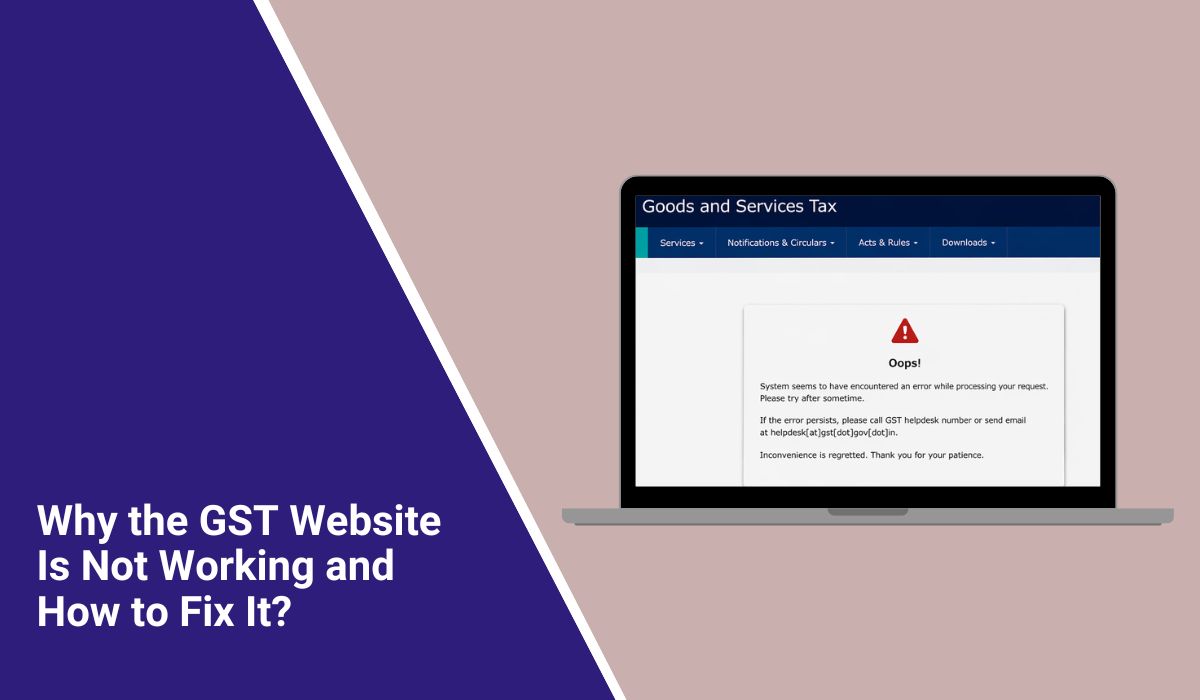
Why the GST Website Is Not Working and How to Fix It?
When the GST website stops working it can mess up an important task very quickly. You may need to file a GST return check a challan open the GST dashboard or complete a registration step and then the portal just does not respond. That can feel stressful especially near a filing deadline. This guide will help you understand what the problem means why it happens how to fix it and how to avoid it in the future.
What Is “GST Website Not Working”?
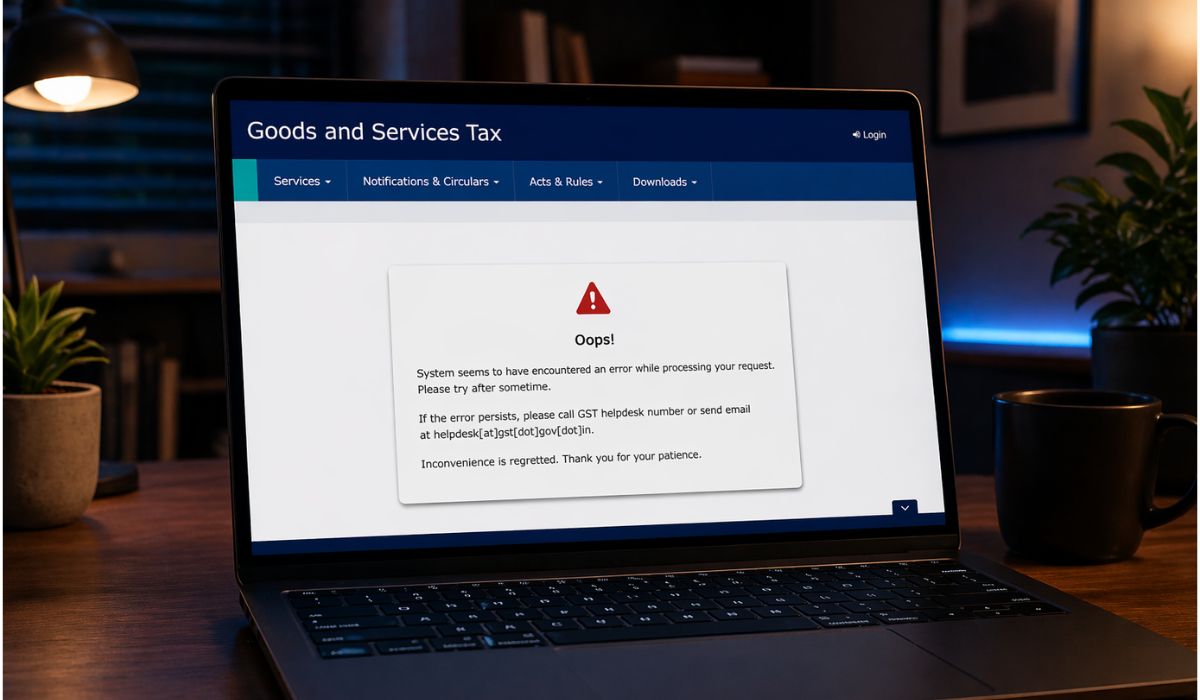
The phrase “GST website not working” usually means the GST portal is not opening loading or responding the way it should. Sometimes the homepage stays blank. Sometimes the login page opens but the next screen does not load. In other cases the website freezes while you try to file a return or view tax details. So the issue can look different from one user to another. Still the main problem stays the same – the portal is not letting you finish your work.
Users often notice this issue on gst.gov.in during login OTP verification return filing or while opening the dashboard. Some get stuck on the GST registration page. Some see the problem while checking a challan payment or ARN status. It may happen on a desktop browser or a mobile browser. But the meaning is simple – the GST portal is not working as expected.
Common Causes of GST Website Not Working
This issue can happen for different reasons depending on the portal status browser setup internet connection or login process. Below are some of the most common causes you should know about.
- High traffic on the GST portal slows down pages or makes them stop near return due dates
- A temporary GSTN server issue makes gst.gov.in unavailable for some time
- Old browser cache and cookies stop the login page or dashboard from loading well
- An outdated browser version causes compatibility trouble with scripts and forms
- A weak internet connection or unstable Wi-Fi interrupts the portal request
- Browser extensions firewall settings or security tools block parts of the website
- OTP verification failure or session timeout stops users from signing in or continuing work
How to Fix GST Website Not Working?
In many cases you can solve GST portal problems by checking the browser network and portal status one step at a time. Start with the easy fixes first. Then move to the more specific ones if the website still does not work.
Fix #1: Refresh the GST portal and try again after a short wait
Sometimes the GST portal stops responding because of temporary server load or a short session timeout. When this happens close the current tab wait for a minute and then open gst.gov.in again. Reload the page once and try your login again. A fresh session often helps the dashboard or filing page load properly.
Fix #2: Clear browser cache and cookies
Old cache files and cookies can block the GST login page or keep broken session data in the browser. So clearing them helps the browser load a fresh version of the portal.
Follow the steps below to easily clear browser cache and cookies.
- Open your browser settings
- Go to privacy or history settings
- Select cache and cookies
- Choose the recent time range or all time
- Clear the saved data
- Restart the browser
- Open the GST portal again
Fix #3: Use another browser or updated browser version
The GST website may not work properly on an old or unsupported browser. If the portal is not loading right close your current browser and open gst.gov.in in Chrome Edge or Firefox. Also check that the browser is updated because older versions may struggle with login forms scripts or portal pages. This simple switch often solves browser compatibility problems fast.
Fix #4: Try incognito mode and disable browser extensions
Some browser extensions block cookies scripts or login forms on government websites. Incognito mode gives you a cleaner browser session and helps you test whether an add-on is causing the issue.
Below are the steps that will guide you to open the GST portal in incognito mode.
- Open your browser
- Start a new incognito or private window
- Disable extra browser extensions if needed
- Visit gst.gov.in
- Try to log in again
- Check whether the page loads properly
Fix #5: Check your internet connection or switch network
A weak internet connection or unstable Wi-Fi can stop the GST portal from loading pages login screens or OTP requests. First check whether other websites are opening on your device. Then restart your router or switch to mobile data or another network if possible. Once the connection becomes stable open the GST website again and see if it loads better.
Fix #6: Check whether the GST portal is down or under maintenance
Sometimes the issue is not on your side at all. The GSTN server may be under maintenance or the portal may be slow because of heavy traffic. When that happens local browser fixes may not help much.
The following steps will show you how to confirm whether the GST portal is facing a server issue.
- Check official portal notices
- Look for maintenance alerts on the GST portal
- Ask a colleague whether gst.gov.in is opening on their device
- Search for recent GSTN updates from trusted sources
- Wait for some time
- Try again during off-peak hours
Fix #7: Solve login or OTP verification problems
The website may open but the login page or OTP verification step may fail. This can happen because of session timeout mobile network delay or an interrupted sign-in process.
Perform the following steps carefully to resolve GST login or OTP issues.
- Re-enter your user ID and password carefully
- Make sure your registered mobile number is active
- Wait a short time for the OTP
- Do not refresh the page again and again
- Request a new OTP if needed
- Try the login from a stable network
- Restart the process if the session expires
Fix #8: Flush DNS and try the GST portal again
Sometimes your device keeps old DNS records and that can stop a website from loading properly. Flushing DNS clears that old network path and helps your browser find the latest route to gst.gov.in. This can help when the portal opens on one network or device but not on another.
Follow these easy instructions to flush DNS without any confusion.
- Open the Start menu
- Search for Command Prompt
- Right click it and choose Run as administrator
- Type ipconfig /flushdns
- Press Enter
- Restart your browser
- Open the GST portal again
Fix #9: Contact GST helpdesk and save error details
If the GST portal still does not work the problem may need help from the GST support team. Take a screenshot of the error page and note the time date browser and device you used. If the issue is linked to filing or ARN details save that information too before raising a grievance or helpdesk request. These details make it easier for the support team to understand and check the problem.
Prevention Tips to Avoid GST Website Problems in Future
Prevention can save time and reduce stress during tax filing. A few simple habits can help you avoid portal issues and finish your GST work in a smoother way.
- Use an updated browser before opening the GST portal
- Clear cache and cookies from time to time
- Avoid last-minute filing near the GST return due date
- Keep your internet connection stable during login and filing
- Save your work often if the portal feels slow
- Keep your registered mobile number active for OTP verification
- Watch official GST portal notices for downtime or maintenance updates
Conclusion
GST website not working usually means the portal cannot load open sign in or complete a task the way it should. The issue may come from GSTN server downtime browser cache problems internet trouble extension conflicts or OTP and session errors. So the exact cause can change a little from case to case. But the goal stays the same – get the portal working again and finish your tax task without more delay.
Try the fixes one by one and do not panic if the issue looks bigger at first. Many GST portal problems clear up after simple browser or network checks. If the website still fails after that contact the GST helpdesk or official support team for more help. If this article helped you share it with others and leave a comment with the step that worked for you.

