
Mobile Device Management Platforms Like VMware Workspace ONE For Managing Enterprise Devices
As enterprises continue to embrace remote work, bring-your-own-device (BYOD) policies, and cloud-first strategies, the need for centralized control over mobile and endpoint devices has never been greater. Mobile Device Management (MDM) platforms like VMware Workspace ONE have evolved into powerful enterprise mobility management ecosystems that help organizations secure, monitor, and optimize devices at scale. From smartphones and tablets to laptops and rugged field devices, modern MDM solutions provide unified visibility and control while maintaining employee productivity.
TLDR: Mobile Device Management platforms like VMware Workspace ONE help organizations securely manage smartphones, laptops, and other endpoints from a centralized console. They support device provisioning, policy enforcement, app management, and threat mitigation across different operating systems. Compared to alternatives like Microsoft Intune and Ivanti, Workspace ONE stands out for its unified endpoint management and integration capabilities. For enterprises navigating remote work and BYOD environments, MDM platforms are essential infrastructure.
What Is Mobile Device Management (MDM)?
Mobile Device Management refers to software solutions that enable IT teams to deploy, monitor, manage, and secure employees’ mobile devices and endpoints. While traditional IT environments focused on desktop management within corporate networks, today’s distributed workforce demands control across:
- iOS and Android smartphones
- Windows and macOS laptops
- Tablets and rugged field devices
- Internet of Things (IoT) endpoints
- Corporate-owned and BYOD devices
Modern MDM platforms have expanded into what is known as Unified Endpoint Management (UEM), combining mobile, desktop, and even virtual endpoint control into a single management framework.
Why Enterprises Need MDM Platforms
The rapid growth of mobile workforces presents several critical challenges:
- Security risks from lost, stolen, or compromised devices
- Data leakage across unmanaged applications
- Compliance requirements such as GDPR, HIPAA, or SOC 2
- Operational complexity across multiple OS platforms
Without centralized management, IT departments face limited visibility into device health, patch levels, or unauthorized applications. MDM platforms address these concerns by enabling:
- Remote device provisioning and configuration
- Policy-based access controls
- Application whitelisting and blacklisting
- Remote lock and wipe capabilities
- Real-time device monitoring
VMware Workspace ONE: A Leading UEM Platform
VMware Workspace ONE is widely recognized as a leader in Unified Endpoint Management. It integrates device management, identity control, application management, and security analytics into a single platform.
Key Features of VMware Workspace ONE
- Unified Endpoint Management: Manage mobile devices, desktops, rugged devices, and IoT endpoints from one console.
- Identity Integration: Conditional access powered by identity verification and zero trust principles.
- Application Lifecycle Management: Distribute, update, and retire apps remotely.
- Automation and Provisioning: Zero-touch deployment for new devices.
- Advanced Security: Real-time compliance monitoring and threat remediation.
One of its standout capabilities is conditional access, which dynamically adjusts user access depending on device health, location, and compliance status. This approach supports zero trust security frameworks increasingly adopted by enterprises.

How Workspace ONE Manages Enterprise Devices
1. Device Enrollment
Workspace ONE offers multiple enrollment options:
- QR code enrollment
- Apple Business Manager integration
- Android Enterprise zero-touch enrollment
- Email-based self-enrollment for BYOD
This flexibility allows organizations to onboard thousands of devices efficiently.
2. Policy Enforcement
IT teams can define policies for:
- Password strength requirements
- Encryption enforcement
- Camera or Bluetooth restrictions
- VPN and Wi-Fi configuration
If a device falls out of compliance, automated remediation policies can restrict access or initiate corrective actions.
3. Application Management
Applications can be deployed via enterprise app stores, public app store integration, or direct sideloading. Administrators can:
- Push mandatory applications
- Remove unauthorized apps
- Separate corporate and personal data containers
This is especially important for BYOD environments where privacy must be balanced against security.
4. Endpoint Analytics
Workspace ONE Intelligence provides analytics dashboards and automation workflows. IT teams gain insights into:
- Patch compliance rates
- Device performance trends
- Risk scoring metrics
Comparison of Leading MDM Platforms
While VMware Workspace ONE is a strong contender, it competes with several major platforms. Below is a comparison of leading enterprise MDM solutions:
| Feature | VMware Workspace ONE | Microsoft Intune | Ivanti Neurons |
|---|---|---|---|
| Unified Endpoint Management | Yes | Yes | Yes |
| Identity Integration | Strong (Zero Trust) | Integrated with Azure AD | Moderate |
| Cross-Platform Support | Extensive | Extensive | Extensive |
| Automation & Analytics | Advanced Intelligence | Strong Reporting | AI-driven Insights |
| Best For | Large enterprises | Microsoft-centric orgs | Security-focused environments |
Organizations already heavily invested in Microsoft 365 often lean toward Intune. However, enterprises seeking deeper automation and cross-platform consistency frequently choose Workspace ONE.
Security Benefits of MDM Platforms
Security is arguably the most significant driver behind MDM adoption. Platforms like Workspace ONE enhance enterprise security through:
- Remote Wipe: Erase sensitive data from lost devices.
- Containerization: Separate business and personal data.
- Threat Detection: Monitor for jailbroken or rooted devices.
- Compliance Auditing: Generate audit-ready reports.
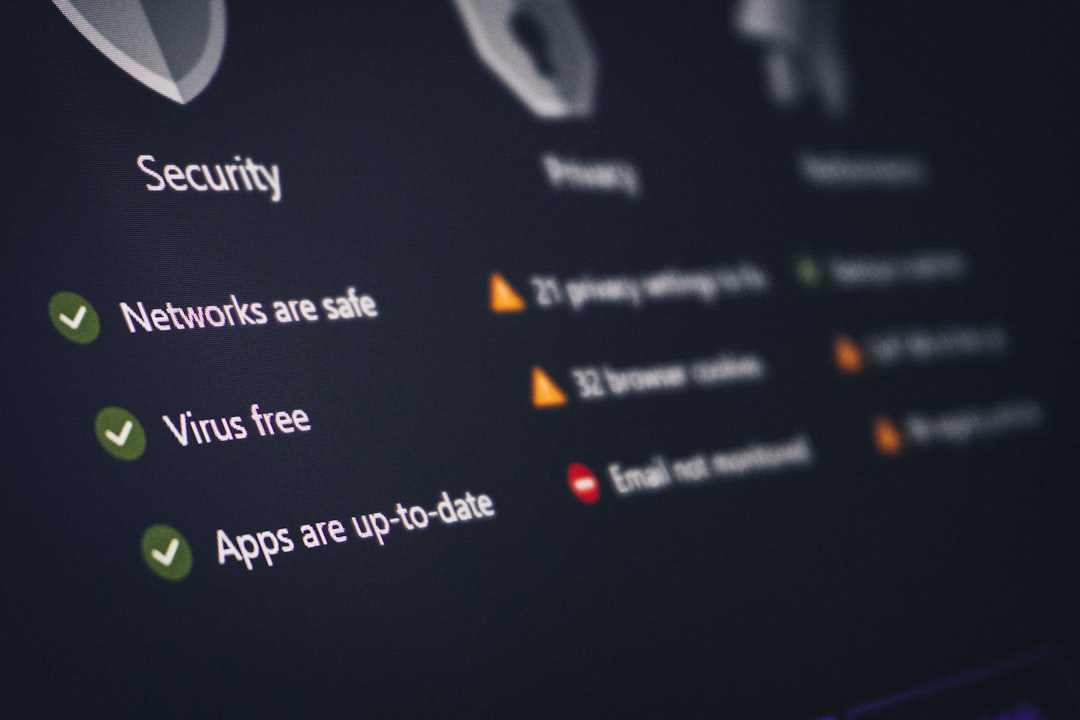
By combining identity, endpoint, and application security, organizations create layered defenses that reduce attack surfaces across distributed environments.
Challenges in Deploying MDM Solutions
Despite their advantages, implementing MDM platforms can present challenges:
- Employee Privacy Concerns: Especially in BYOD programs.
- Complex Configuration: Advanced policies require skilled administration.
- Integration Needs: Compatibility with legacy systems.
- Cost: Licensing and infrastructure expenses.
To overcome these obstacles, organizations should conduct pilot programs, clearly communicate privacy boundaries, and align deployment strategies with overall IT governance frameworks.
The Shift Toward Zero Trust and UEM
MDM is no longer just about controlling smartphones. It has become a foundational component of Zero Trust Architecture. Rather than automatically trusting devices within a network perimeter, zero trust verifies every access request based on:
- User identity
- Device compliance status
- Location and context
- Risk analysis
Workspace ONE supports this model by combining endpoint management with identity-based access controls. This integration enables granular decision-making, strengthening enterprise defenses in hybrid and multi-cloud environments.
Future Trends in Mobile Device Management
The evolution of MDM platforms is closely tied to broader technology trends. Key developments include:
- AI-driven Automation: Predictive analytics for proactive issue resolution.
- Extended Device Coverage: Managing wearables and IoT devices.
- Deeper Cloud Integration: Seamless SaaS ecosystem management.
- Enhanced Employee Experience: Self-service portals and simple onboarding.
As workplaces become more distributed, UEM platforms will serve as digital command centers for enterprise IT operations.
Conclusion
Mobile Device Management platforms like VMware Workspace ONE play a crucial role in securing and optimizing today’s enterprise environments. By centralizing control over endpoints, enforcing compliance, and integrating with identity systems, organizations gain both operational efficiency and strengthened security.
Workspace ONE distinguishes itself through its unified management capabilities, automation features, and zero trust alignment. While alternatives like Microsoft Intune and Ivanti offer strong competition, the choice ultimately depends on organizational infrastructure, integration needs, and strategic priorities.
In an era of hybrid work and growing cyber threats, investing in a robust MDM platform is no longer optional—it is a strategic necessity for maintaining control, compliance, and productivity across enterprise devices.

