
Vodafone Romania New SIM Card Activation and Login Guide
Getting a new Vodafone Romania SIM card should be simple, but many people get stuck between the SIM setup and the My Vodafone login. Sometimes the SIM starts working, but the account does not show the number. Sometimes the app opens, but the login fails. In other cases, the line needs a different activation route because it is a prepaid Cartela Vodafone, a new subscription number, or a replacement blank SIM. Vodafone Romania’s current help pages state that My Vodafone is used to manage prepaid and subscription services, and that some SIM change and prepaid actions can also be performed via *222 or *100#.
This guide walks through the full process in a simple order. First, identify the SIM type. Next, activate it. Then log in to My Vodafone and link the number if needed. After that, check the common problems if something still isn’t working.
What kind of Vodafone Romania SIM do you have?
This matters because the setup is not always the same.
You may have:
- a prepaid Cartela Vodafone
- a subscription with a new number
- a replacement blank SIM for an existing number
- a replacement SIM for a lost or damaged card
A lot of users say “new SIM” when they really mean “replacement SIM.” That changes the steps, especially if you are trying to keep the same mobile number.
What you need before you start
Before you begin, keep these things ready:
- Your Vodafone phone number
- The new SIM card
- The SIM series if your case needs it
- A phone that supports the SIM and can connect to Vodafone network
- Access to the My Vodafone app or website
- Access to the phone number or email used for verification
If you are using a blank SIM for a SIM swap, keep the SIM series close by. You may need it during the process.
How to activate a new Vodafone Romania SIM card
Start with the basic setup first.
1. Insert the new SIM card
Place the new Vodafone SIM in your phone, then turn it on. If the phone was already on, restart it after inserting the SIM.
2. Check for Vodafone signal
Wait a bit and see if the phone connects to the Vodafone network. If the signal appears, that is a good first sign. It usually means the SIM is being recognized by the phone and the network.
3. Test the line
Try one basic action:
- Make a call
- Send an SMS
- Turn on mobile data
If one of these works, the SIM may already be active.
4. Use the right activation route for your case
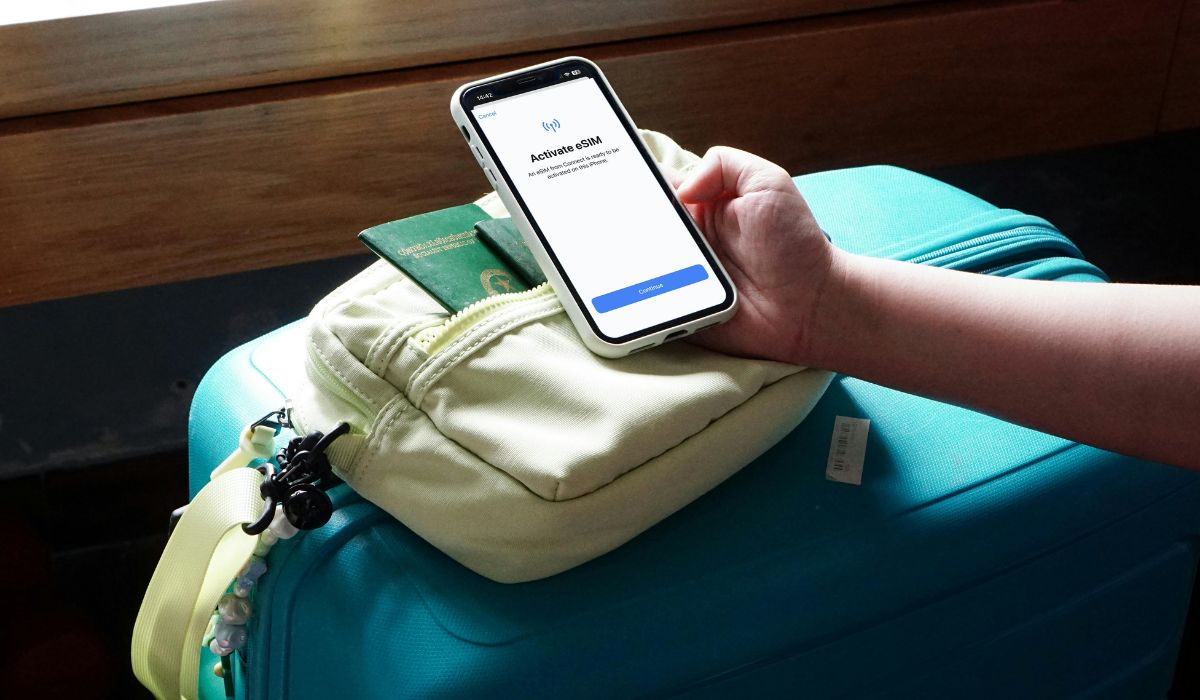
If you have a normal prepaid or subscription setup, the line may become active after insertion and network registration.
If you have a blank SIM for a SIM swap, Vodafone Romania says you can do the SIM change from MyVodafone or the My Vodafone mobile app, or by calling *222 from the subscription number and asking for SIM change. Vodafone’s support page also says to keep the new SIM series ready.
If you are using prepaid and need to activate an extra option or offer after the SIM starts working, Vodafone also lists My Vodafone, *100#, and *222 as official routes for prepaid offer activation.
How to log in to My Vodafone
Once the SIM is active, the next step is My Vodafone access.
Vodafone Romania’s current pages show My Vodafone as the place where users can check usage, recharge prepaid, pay bills, and manage services. The Vodafone ID page is the login entry point for account access.
Log in step by step:
- Open the My Vodafone app or the My Vodafone login page
- Enter your Vodafone number, email, or account details
- Complete the verification step if asked
- Enter your password or create one if this is your first setup
- Open the account dashboard
If you do not already have an account, you may need to register first and then confirm the number.
How to Add or Link the New Number to Your Account
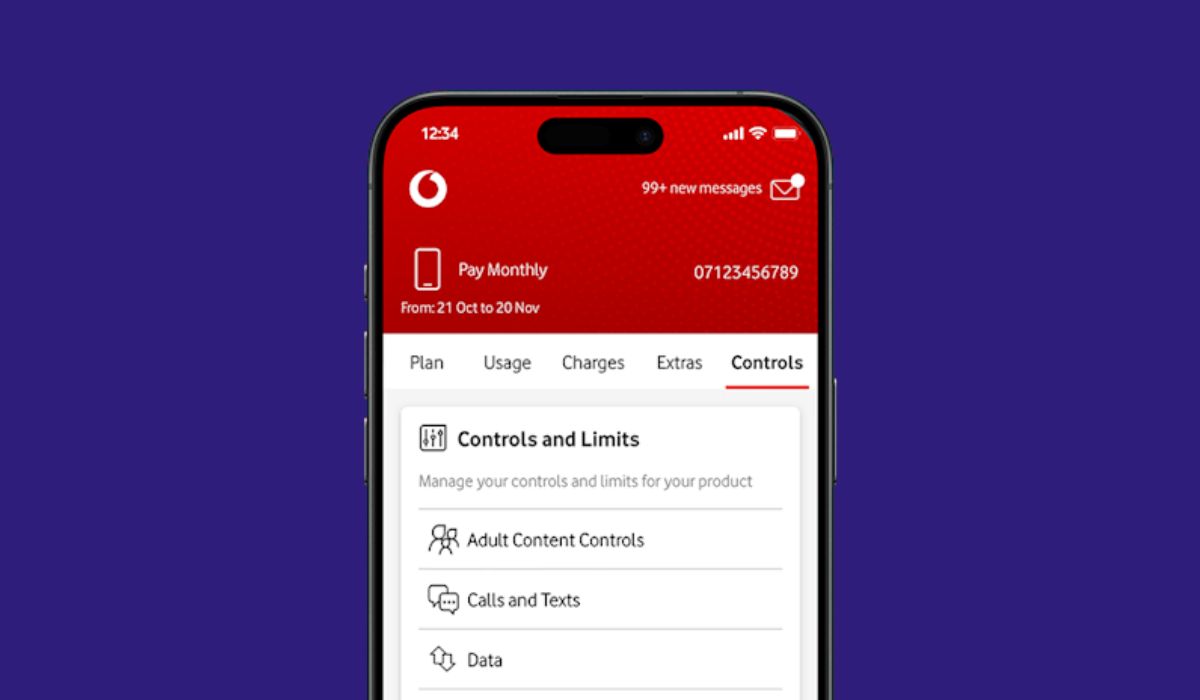
Sometimes the login works but the number does not appear in the account. That usually means the line is not linked yet, or the account has not refreshed properly.
Try this:
- Open your account or profile area
- Check the services, lines, or numbers section
- Add the Vodafone number if the app gives you that option
- Complete any verification step
- Close the app and open it again
- sign in again and check the dashboard
If the number still does not show, the issue may be account sync or incomplete activation rather than a bad SIM.
Why your new Vodafone SIM may not activate
If the SIM still does not work, one of these may be the reason:
- The SIM is not inserted properly
- The phone is not connecting to the Vodafone network
- The line is not fully active yet
- the wrong SIM type is being used for the situation
- The phone may be network locked
- The case is really a SIM replacement and not a normal new-line setup
- A manual activation step is still missing
This is why it helps to separate prepaid, subscription, and blank SIM replacement from the start.
Why My Vodafone login may not work after activation
If the SIM works but My Vodafone does not, the problem is often on the account side.
Common reasons include:
- The verification SMS did not arrive
- The number is not linked yet
- The wrong login method is being used
- The password is wrong
- The app session is broken
- The account setup is not fully complete
- The line is active but not fully visible in the account yet
In many cases, signing out, reopening the app, and trying again helps. If not, move to the support options.
What to do if the app works but the number does not appear?
This can happen even when the SIM is already active.
Usually, this points to one of these:
- The number is not linked to the right account
- The account dashboard has not refreshed yet
- The service is still syncing
- The activation is only partly complete
First, check the account profile and service section. Then refresh the app by closing it fully and signing in again. If the line still does not appear, support may need to verify the account and service status.
When to use *222 or contact Vodafone support
If self-service stops helping, use support.
This is the right time to contact Vodafone if:
- The SIM still has no signal
- My Vodafone does not recognize the number
- Verification keeps failing
- You are using a blank SIM for a SIM swap
- The app shows the wrong service
- The activation looks stuck
- The number still does not appear after login
Vodafone Romania’s support pages specifically mention *222 for SIM replacement cases with a new blank SIM, and the My Vodafone help area is also part of the official support flow.
Final thoughts
Activating a new Vodafone Romania SIM card and logging in to My Vodafone is much easier when you do it in the right order. First, identify the SIM type. Then activate the line. After that, log in to My Vodafone and make sure the number is linked to the account.
If something goes wrong, do not jump between random fixes. Check whether it is a prepaid setup, a subscription, or a blank SIM replacement. That usually tells you which step to try next.
If this guide helped, leave a comment and share it with someone else trying to set up a Vodafone Romania SIM or My Vodafone account.

