

How to Set Number of Shares in Tickertap: Step-by-Step Investment Tracking Guide for 2026
Tracking your investments accurately is just as important as choosing the right stocks. If you use Tickertap to monitor your portfolio, knowing how to set the correct number of shares ensures that your portfolio value, returns, and performance metrics reflect reality. Whether you’re a beginner investor in 2026 or someone refining your portfolio management strategy, understanding how to configure share quantities in Tickertap can significantly improve how you track and analyze your investments.
TLDR: To set the number of shares in Tickertap, you need to add a stock to your portfolio, enter the correct quantity and purchase price, and save the transaction. Accurate share entries ensure real-time tracking of portfolio value and performance. You can edit, update, or rebalance your holdings anytime for better insights. Keeping your share count updated is essential for reliable investment tracking in 2026.
Why Setting the Correct Number of Shares Matters
In 2026, investors rely heavily on digital tools for insights, analytics, and real-time tracking. Platforms like Tickertap allow you to:
- Monitor live portfolio value
- Track gains and losses
- Analyze sector allocation
- Review historical performance
However, none of this data is meaningful if the number of shares entered is incorrect. Even a small error—such as entering 100 shares instead of 10—can distort your portfolio value, skew percentage returns, and lead to poor decision-making.
Accurate input leads to accurate insights. That’s the foundation of smart investment tracking.
Step-by-Step Guide: How to Set Number of Shares in Tickertap
Here’s a simple, practical walkthrough to help you configure your shares correctly.
Step 1: Log in to Your Tickertap Account
Start by logging in via the Tickertap website or mobile app. Make sure you’re using your primary investment tracking account to avoid syncing confusion.

Once logged in:
- Navigate to My Portfolio or Watchlist
- Select Add Stock or Create Portfolio if you’re starting fresh
Step 2: Search for the Stock
Use the search bar to find the stock you want to add. You can search by:
- Company name
- Ticker symbol
- Sector classification
Click on the correct stock from the search results to proceed.
Step 3: Enter the Number of Shares
This is the most crucial step.
When adding the stock to your portfolio, Tickertap will prompt you to enter:
- Number of shares
- Buy price (average cost)
- Date of purchase
In the Number of Shares field, input the exact quantity you own. For example:
- If you bought 25 shares → Enter 25
- If you bought fractional shares (if supported) → Enter 25.5
Pro Tip: Always double-check the figure before saving. One extra zero can dramatically change your portfolio metrics.
Step 4: Save and Confirm
After entering the required details:
- Click Save or Add to Portfolio
- Review the updated portfolio summary
Tickertap will now calculate:
- Total investment value
- Current market value
- Total profit or loss
- Percentage returns
How to Edit the Number of Shares Later
Your portfolio isn’t static. You might buy more shares, sell some, or adjust holdings. Here’s how to update your share count.
Editing an Existing Stock Entry
- Go to My Portfolio
- Select the stock you wish to modify
- Click Edit or the three-dot options menu
- Update the number of shares
- Adjust the average price if required
- Save changes
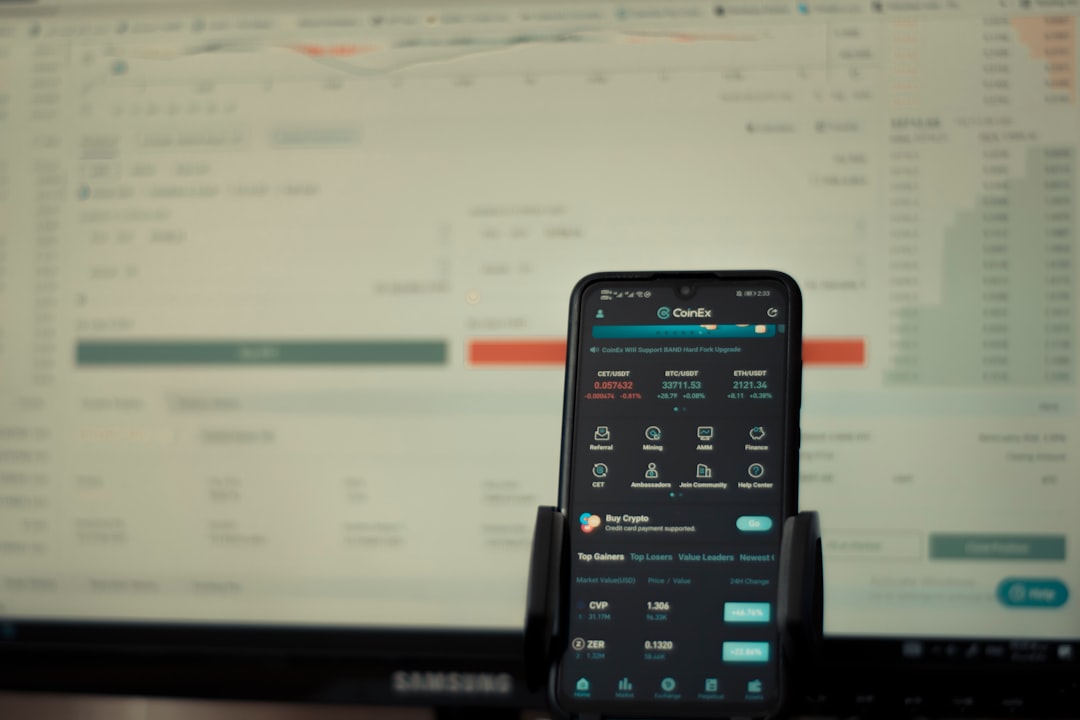
Once updated, Tickertap recalculates your metrics automatically.
When Should You Update Share Counts?
- After buying additional shares
- After selling part of your holdings
- After stock splits
- After bonus share allocations
Remember: If a company announces a stock split (e.g., 2-for-1), you must update your share quantity accordingly to maintain accurate tracking.
Handling Multiple Transactions Smartly
In real-world investing, you rarely buy all shares at the same price. Tickertap allows you to either:
- Manually calculate and enter an average buy price
- Add multiple transactions separately (if supported)
Example:
- 10 shares bought at $100
- 10 shares bought at $120
Your average cost = $110 per share.
You can either:
- Enter 20 shares at $110, or
- Record two separate entries
Separate entries provide more detailed historical tracking and yield a clearer performance breakdown in 2026’s advanced analytics dashboards.
Why Accurate Share Data Improves Decision-Making
Tickertap provides data-driven tools such as:
- Sector allocation charts
- Risk indicators
- Earnings insights
- Financial ratios

All of these rely on correct share quantities. If you input wrong data:
- Your allocation percentages become misleading
- Risk exposure appears inaccurate
- Portfolio diversification analysis becomes unreliable
In 2026, where AI-based portfolio analytics are increasingly common, precise inputs translate into smarter automated insights.
Common Mistakes to Avoid
Here are the most common errors investors make when setting the number of shares:
1. Adding Extra Zeros
Entering 500 instead of 50 drastically inflates portfolio size.
2. Forgetting to Update After Selling
If you sell shares but don’t reduce the number in Tickertap, your returns will seem inaccurate.
3. Ignoring Corporate Actions
Stock splits, bonus issues, and rights offerings change your share count.
4. Mixing Investment Accounts
If you invest via multiple brokers, ensure you’re only adding shares relevant to that specific tracking portfolio—or create separate portfolios for clearer organization.
Best Practices for Investment Tracking in 2026
To maximize Tickertap’s full potential, adopt these modern tracking practices:
- Review your portfolio weekly
- Immediately log new transactions
- Reconcile with broker statements monthly
- Use notes feature (if available) to log entry reasons
- Track long-term vs short-term holdings separately
With AI-enabled analytics becoming standard, high-quality data entry ensures better forecasting and recommendations.
Advanced Tip: Using Share Quantity for Rebalancing
Accurate share quantities help you rebalance efficiently.
Example:
If your target allocation is:
- 40% Technology
- 30% Healthcare
- 30% Financials
Tickertap calculates real allocation based on share count and market value. Without correct numbers, rebalancing becomes guesswork.
By updating quantity properly, you can:
- Identify overweight sectors
- Reduce concentration risk
- Optimize capital deployment
How Fractional Shares Work
Many modern brokers now allow fractional share investing. If Tickertap supports decimals:
- Enter fractional quantities accurately (e.g., 3.75 shares)
- Ensure buy price reflects average cost
Fractional investing is particularly popular among:
- Young investors
- ETF investors
- High-priced stock buyers
Precision is especially important when using fractional units.
Maintaining Portfolio Accuracy Over Time
Investment tracking is not a one-time activity.
Develop a routine:
- After every transaction → Update share count
- After earnings seasons → Review performance impact
- After corporate announcements → Adjust quantities if necessary
Think of Tickertap as your portfolio mirror. If the mirror is distorted, your financial reflection will be inaccurate.
Final Thoughts
Setting the correct number of shares in Tickertap may seem like a small step, but it forms the backbone of accurate investment tracking. In 2026, where investors rely heavily on data-driven insights, automation, and AI-assisted analysis, precision is more important than ever.
By following the step-by-step process outlined above, you ensure that:
- Your portfolio value reflects reality
- Your performance metrics remain trustworthy
- Your rebalancing decisions stay informed
- Your long-term strategy remains on track
Smart investing starts with smart tracking. And smart tracking begins with something as simple—and powerful—as entering the correct number of shares.

