
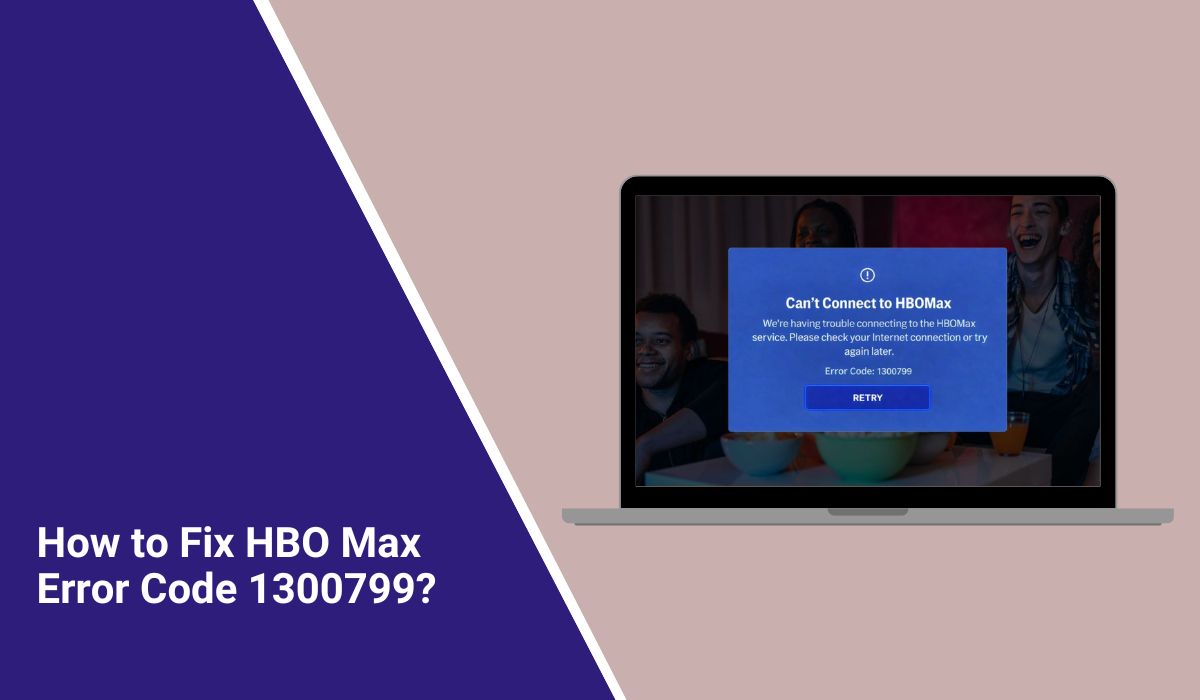
How to Fix HBO Max Error Code 1300799?
You open the app, choose something to watch, and right when the video should start, an error appears. HBO Max error code 1300799 does that. It blocks playback without much explanation and leaves the screen stuck or sends you back.
This can happen on smart TVs, phones, streaming devices, or browsers. The app loads, but the video does not. When this happens, it breaks the flow and makes streaming feel unreliable.
What Is HBO Max Error Code 1300799?
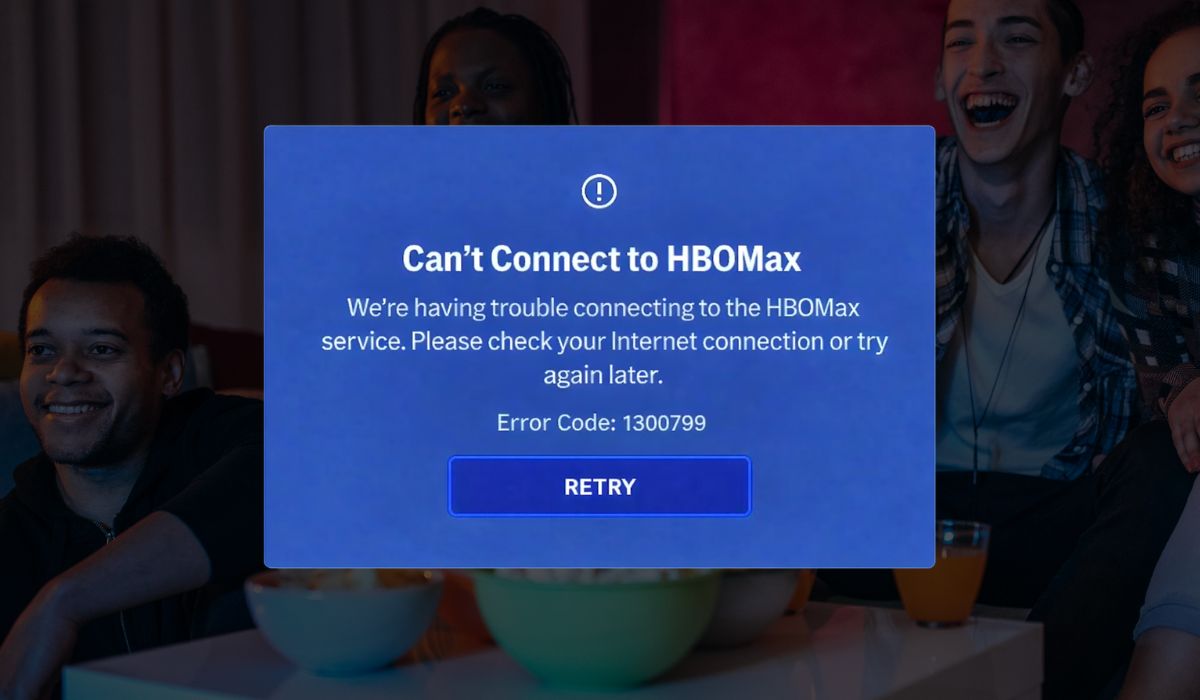
HBO Max error code 1300799 means the app cannot start playback even though it opens correctly. The request reaches the system, but the video fails during loading or early playback checks. This points to a playback-related issue, not a broken device or damaged hardware.
Most users see this error while using HBO Max on a smart TV, mobile app, or web browser. It usually appears right after pressing Play or while the loading screen is still visible.
Common Causes of HBO Max Error Code 1300799
This error can appear for several reasons, and the cause can change depending on your device and connection. Sometimes the problem is local, such as unstable internet or app data issues. Other times, the service itself struggles to deliver content. Knowing the common causes helps avoid random changes that do not fix the problem.
Common causes include:
- Unstable or slow internet connection during streaming
- Corrupted app cache or temporary files
- Outdated HBO Max app version
- VPN or proxy services interfering with content access
- Device system software conflicts
- Account session or playback authorization issues
- Temporary problems with HBO Max servers or delivery systems
How to Fix HBO Max Error Code 1300799?
This error usually appears when something interrupts playback between your device, your internet connection, and HBO Max servers. Sometimes the app needs a refresh. Other times, the network or device causes the issue.
Try each fix below one at a time. After every fix, try playing the same video again.
Fix #1: Restart the HBO Max App
HBO Max error code 1300799 often shows up when the app stays open for too long. Small glitches build up in the background, and playback fails. Restarting the app clears temporary memory and reloads fresh data. When the app opens again, it usually reconnects properly and starts playing content.
Fix #2: Check Your Internet Connection Stability
Streaming needs a steady connection, not just fast speed. Short Wi-Fi drops or weak signals can interrupt video loading and trigger this error.
If your connection becomes stable again, playback often works without changing anything else. Make sure your device stays connected without interruptions while streaming.
Fix #3: Clear HBO Max App Cache and Data
Corrupted cache files can block video loading and cause playback errors.
Follow the steps below to easily clear the app cache:
- Open your device settings
- Go to Apps or Applications
- Select HBO Max
- Open Storage
- Clear cache
- Close settings and reopen the app
On smart TVs, uninstalling and reinstalling the app does the same thing.
Fix #4: Update the HBO Max App
An outdated app version may fail to work with recent service updates. Updates fix bugs and improve compatibility.
Here’s how you can update the HBO Max app in just a few seconds:
- Open your app store
- Search for HBO Max
- Check if an update is available
- Install the update
- Restart the app
- Try playing the video again
Keeping the app updated prevents many playback problems.
Fix #5: Turn Off VPN or Proxy Services
HBO Max checks your location before allowing playback. VPNs and proxy services can interfere with this check and cause error code 1300799. Turning them off allows the app to confirm access correctly and restore normal streaming.
Fix #6: Restart Your Streaming Device or Smart TV
Devices store temporary system data while running. Over time, that data can conflict with apps and block playback.
You can restart your device by turning it off, unplugging it for one minute, and then turning it back on. This refreshes system memory and clears background conflicts that may cause the error.
Prevention Tips to Avoid HBO Max Error Code 1300799 in the Future
Preventing this error saves time and avoids repeated frustration. Small habits can keep streaming smooth and reduce playback failures. You do not need advanced tools or technical skills. Simple consistency works best.
Here are easy prevention tips you can follow:
- Keep the HBO Max app updated
- Restart your router regularly
- Avoid VPNs when streaming region locked content
- Update your device operating system
- Close unused background apps
- Use a stable Wi-Fi or wired internet connection
Conclusion
In short, HBO Max error code 1300799 means the app cannot start playback even though it opens normally. The issue often links to network stability, app data, device software, or temporary service problems. Most causes are common and manageable.
If the error keeps appearing, take things step by step instead of guessing. Follow prevention habits and avoid rushed changes. When nothing works, contacting HBO Max support is the right move. If this article helped you, share it with others and leave a comment about your experience.

