

4K Laptops: Best High-Resolution Notebooks for Creators
Creative professionals are always on the hunt for tools that can elevate their work, and when it comes to viewing, editing, or designing visual content, nothing beats a laptop with a stunning 4K display. These high-resolution notebooks offer razor-sharp detail, vivid colors, and the performance needed to handle demanding creative software. In recent years, 4K laptops have become increasingly accessible, making them a viable option for graphic designers, video editors, photographers, and digital artists.
TL;DR: For creators, 4K laptops offer the ultimate clarity and color precision. They’re perfect for tasks like photo editing, video rendering, CAD modeling, and 3D animation. Top models include Dell XPS 15, MacBook Pro 16-inch, and ASUS ZenBook Pro Duo. While battery life and price are considerations, the visual payoff is immense for professionals who need sharp detail and panel accuracy.
Why Choose a 4K Laptop?
A 4K display offers a resolution of 3840 x 2160 pixels—four times the resolution of full HD. For creators, this means:
- Greater Detail: Zoom in on high-res photos or intricate designs without loss of clarity.
- Color Accuracy: Many 4K panels come with factory-calibrated sRGB and AdobeRGB profiles.
- Multitasking: Higher screen real estate enables a smoother workflow with multiple windows or software panels open side by side.
Top 4K Laptops for Creators in 2024
1. Dell XPS 15 (2023)
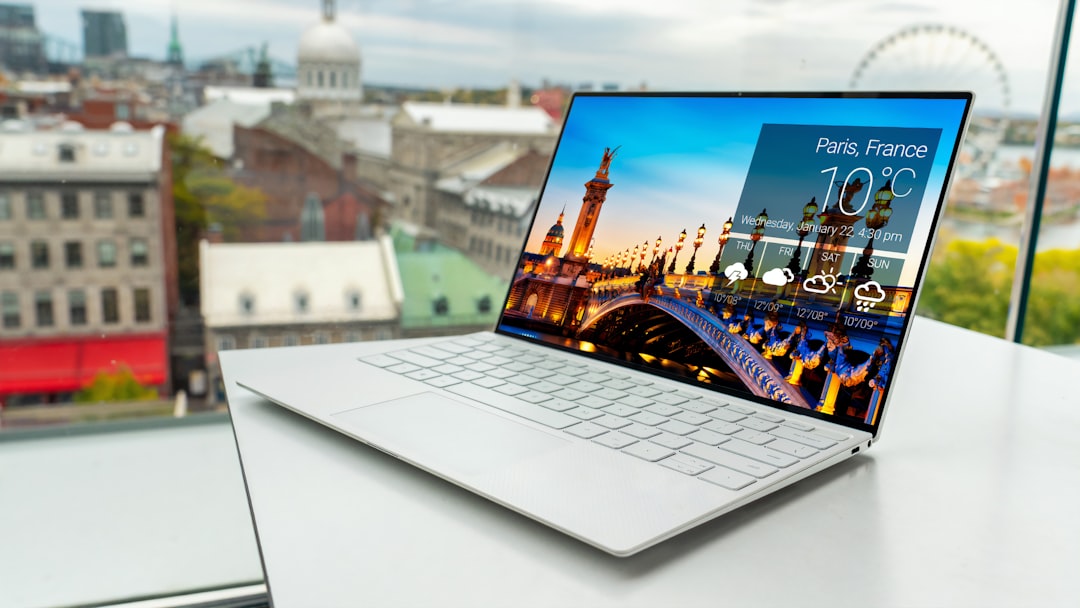
The Dell XPS series has long been a favorite among professionals, and the XPS 15 continues that tradition with its gorgeous OLED 4K display, slim bezels, and powerhouse components.
- Display: 15.6” 4K+ OLED touchscreen with Dolby Vision
- Processor: Up to Intel Core i9-13900H
- GPU: NVIDIA GeForce RTX 4070
- Advantages: Exceptional color accuracy, slim design, superb build quality
2. Apple MacBook Pro 16-inch (M2 Max)
Although technically not 4K in standard format (3456 x 2234), Apple’s high-resolution Liquid Retina XDR display is tailored for creative professionals. The M2 Max chip takes performance to a new level for Final Cut Pro, Logic Pro, and Adobe apps.
- Display: 16.2” Liquid Retina XDR with extreme brightness and HDR
- Processor: Apple M2 Max 12-core
- GPU: Up to 38-core GPU
- Advantages: Outstanding display for video editing and color grading, seamless integration with macOS-based tools
3. ASUS ZenBook Pro Duo 14 OLED
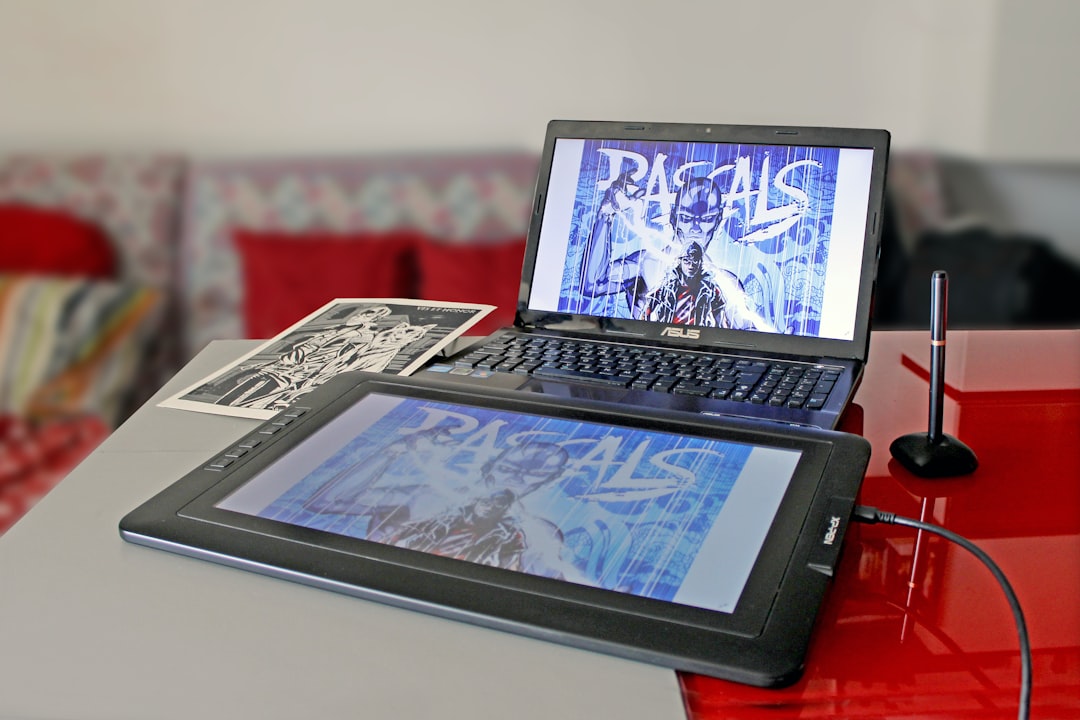
This innovative laptop features not one, but two high-resolution screens. The main display is a 14.5-inch OLED 4K touchscreen, while the secondary ScreenPad Plus provides extra functionality for multitaskers and illustrators.
- Display: 14.5” 4K OLED + 12.7” ScreenPad Plus
- Processor: Intel Core i9-13900H
- GPU: NVIDIA RTX 4060
- Advantages: Dual screens for productivity, excellent color range, touch responsiveness
4. HP Spectre x360 16 4K OLED
The Spectre x360 incorporates the versatility of a convertible form factor with the crispness of a 4K OLED panel. HP’s emphasis on craftsmanship is evident here, with a robust chassis and a sleek design.
- Display: 16” 4K OLED touchscreen with HDR
- Processor: Intel Core i7-13700H
- GPU: Intel Arc or optional discrete GPU
- Advantages: 2-in-1 functionality, strong battery life for a 4K laptop, vivid display
5. Razer Blade 17 UHD
For creators who also game or engage in 3D rendering, the Razer Blade 17 packs serious GPU performance. Its 17-inch 4K display ensures no detail is missed in complex video or modeling projects.
- Display: 17.3” 4K UHD with 144Hz refresh rate
- Processor: Intel Core i9-12900H
- GPU: NVIDIA RTX 3080 Ti
- Advantages: High refresh rate, desktop-level graphics, excellent thermal control
Key Considerations When Buying a 4K Laptop
Choosing a 4K laptop for creative work demands more than just a great display. Here are some additional factors:
- Graphics Power: Discrete GPUs (e.g., NVIDIA RTX series) are essential for rendering, 3D design, and video editing.
- RAM and Storage: At least 16GB RAM and 512GB SSD are recommended; many models offer up to 64GB RAM and multi-terabyte SSDs.
- Color Calibration: Look for laptops that offer Pantone validation or wide color gamuts (AdobeRGB, DCI-P3).
- Battery Life: 4K displays consume more power—opt for models with large batteries or adaptive screen refresh features.
- Port Selection: Thunderbolt 4, USB-C, SD card readers, and HDMI ports are crucial for creators using peripherals.
Pros and Cons of 4K Laptops
- Pros:
- Unmatched detail and clarity for editing and design work
- Enhanced color accuracy for professional outputs
- Increased screen real estate reduces the need for external monitors
- Cons:
- Higher power consumption and shorter battery life
- Increased cost compared to Full HD or QHD laptops
- Some apps may not scale well at 4K, causing UI elements to appear small
Conclusion
4K laptops remain a game-changing asset for creators who demand ultimate visual fidelity and power. From high-powered beasts like the Razer Blade 17 to the dual-screen ASUS ZenBook Pro Duo and the ultra-sleek Dell XPS 15, there’s a 4K notebook to match every creative workflow.
With the right device, photographers, filmmakers, graphic designers, and content creators can master their craft with precision and elegance. While the investment may be greater, the payoff in terms of productivity and project quality is undeniably worth it.
FAQ: 4K Laptops for Creators
- Q: Is a 4K laptop worth it for photo editing?
A: Absolutely. The pixel density and color accuracy of a 4K screen make it ideal for scrutinizing image details and applying fine edits. - Q: Do 4K laptops have poor battery life?
A: Some do, due to the power demands of high-resolution displays. However, newer models use OLED and adaptive refresh technologies to improve efficiency. - Q: Can 4K laptops run Adobe Creative Cloud apps smoothly?
A: Yes, especially models with powerful CPUs (Intel i7/i9, Apple M2, AMD Ryzen 9) and dedicated GPUs. Look for at least 16GB of RAM as well. - Q: How does 4K resolution affect scaling and performance?
A: While more pixels improve image clarity, they can also tax the GPU.

