
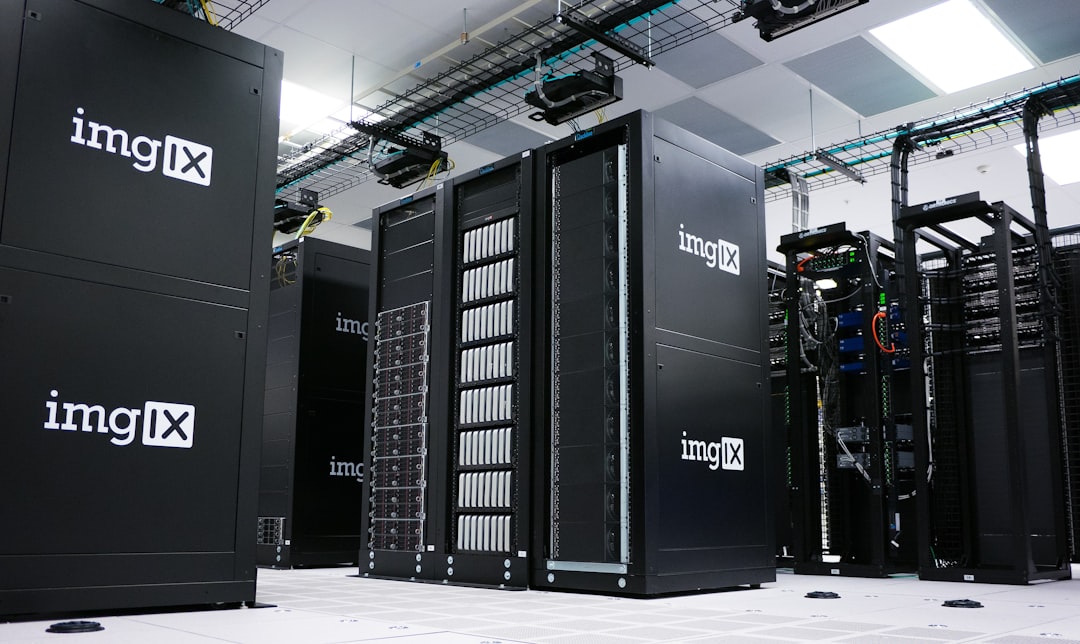
Spark SQL: Big Data Processing
Imagine you’re trying to cook dinner for thousands of people. You’re working with a team of chefs. Each one prepares a small part of the recipe. Together, you get it done super fast and serve an amazing feast. This is a lot like how Spark SQL works to process big data. It breaks the job down into tiny tasks and gets them done quickly in parallel.
TLDR: Spark SQL helps you process massive datasets using SQL-like commands. It’s fast, flexible, and super useful when you’re dealing with big data. You write queries like you would with SQL, and Spark handles the heavy lifting behind the scenes. Think of it as a superhero sidekick for data analysis!
What is Spark SQL?
Spark SQL is a module of Apache Spark that works with structured data. It allows you to run SQL queries on huge amounts of data. And the best part? It does it super fast.
Apache Spark itself is a big data processing framework. Spark SQL is just one of its tools. It’s like the brain that speaks SQL and tells Spark what to do.
What makes Spark SQL special:
- It understands SQL. You can use queries just like in a regular database.
- It’s blazing fast. Thanks to its in-memory computing power.
- It works with many data sources. Think JSON, Parquet, Hive, and even plain old CSV files.
- It integrates with Spark’s other tools. You can mix SQL with machine learning or streaming data.
Why Use Spark SQL?
You might wonder, “Why not just use my usual SQL database?” Good question.
Here’s when Spark SQL really shines:
- Your data is huge. Like gigabytes or terabytes big.
- Your database is slow or can’t handle the size.
- You want to analyze data from different sources at once.
- You like writing SQL. (Who doesn’t?)
With Spark SQL, your queries get split into parts. Then Spark sends them to different computers to crunch the numbers. This speeds everything up dramatically.
How Does Spark SQL Work?
Let’s break it down. Under the hood, Spark SQL follows these steps:
- Parse: It understands your SQL query.
- Optimize: It rewrites the query into a fast plan. (Like improving your recipe so it takes less time.)
- Execute: It runs the plan across a cluster of machines in parallel.

This magic is made possible by Catalyst and Tungsten.
- Catalyst is the brain that optimizes SQL queries.
- Tungsten is the muscle that gives Spark SQL its speed.
Getting Started with Spark SQL
Don’t worry, it’s easier than it sounds. Here’s what you need to do:
- Set up Apache Spark. You can run it locally or in the cloud.
- Create a SparkSession. This is your entry point to Spark SQL.
- Load data. From JSON, CSV, Parquet, Hive—you name it.
- Write SQL queries. Like the good old days.
Here’s a quick Python example:
from pyspark.sql import SparkSession

spark = SparkSession.builder.appName("FunWithSQL").getOrCreate()

df = spark.read.json("people.json")

df.createOrReplaceTempView("people")

result = spark.sql("SELECT name, age FROM people WHERE age > 30")

result.show()
Just like that, you’re querying big data!
DataFrames and Spark SQL
In Spark SQL, data is stored in something called a DataFrame.
Think of a DataFrame as a supercharged Excel table. It has rows and columns. But it can hold massive amounts of data across many machines.
You can query a DataFrame using:
- SQL queries
- Functions in your code (like df.select(), df.filter(), etc.)
Either way, Spark SQL is running under the hood to make things fast and smooth.
Popular Use Cases
Wondering what Spark SQL is used for in the real world? A lot of cool stuff!
- Business Intelligence: Generate reports and dashboards super fast.
- Data Warehousing: Replace traditional data warehouses for better speed.
- Data Exploration: Scientists and analysts can query big data with simple SQL.
- Machine Learning: Prepare and clean data before feeding it to ML models.

Tips for Speed and Performance
Want to make your queries even faster? Try these tricks:
- Use columnar formats like Parquet or ORC. They’re made for big data.
- Cache your data if you’re going to query it multiple times.
- Partition wisely. Splitting your dataset smartly can reduce query time.
- Avoid SELECT *. Always pick only the columns you need.
These might sound small, but they make a big difference when working with tera-sized data.
Working With Other Tools
One great thing about Spark SQL is that it plays nice with other tools.
You can use it with:
- Jupyter Notebooks for easy exploration
- Databricks for managed environments
- Hive for legacy data access
- Visualization tools like Tableau or PowerBI
So you can bring Spark SQL into your existing workflow without trouble.
Real-Life Example
Let’s say an e-commerce company wants to analyze customer transactions. They have millions of records every day.
With Spark SQL, they can:
- Load data from logs, databases, and APIs.
- Write SQL queries to find top-selling items.
- Filter out fraudulent transactions using WHERE clauses.
- Feed this data into a machine learning model to predict buyer behavior.
And they can do it daily without breaking a sweat.
Conclusion
Spark SQL takes the power of big data and makes it easy to use. You don’t have to be a data wizard. Just know some SQL, and Spark does the heavy lifting.
It’s fast, efficient, and works with massive amounts of data. Whether you’re a data analyst, data engineer, or just curious, it’s a fun and powerful tool to explore.
So the next time you’re drowning in data, remember—Spark SQL has your back.

