
Top 5 visual content tools designers and marketers use to produce quick creative at scale (Canva, Figma, Crello, plus templating tips)
In today’s fast-paced digital landscape, designers and marketers need tools that enable them to churn out stunning visual content quickly and efficiently. Whether you’re crafting social media graphics, digital ads, presentations, or website visuals, scalability is the key to success. Luckily, several visual content tools are designed specifically for this purpose—streamlining workflows and accelerating the creative process.
TL;DR
If you’re pressed for time, here’s a quick summary: To produce high-quality, scalable visual content, consider using tools like Canva, Figma, Crello (now known as VistaCreate), and a few others. These platforms offer intuitive interfaces, extensive template libraries, and collaboration capabilities—all designed to help teams move faster. Leverage templating tips to streamline workflows and maintain brand consistency across campaigns. Visual content creation has never been more accessible, regardless of skill level.
1. Canva: The All-in-One Design Platform
Canva has become a household name in the creative world, and for good reason. With its drag-and-drop interface, massive template library, and team collaboration features, Canva empowers marketers and designers to create stunning visuals without professional design experience.
- Templates Galore: From Instagram stories to presentation decks, Canva offers thousands of customizable templates.
- Brand Kits: Premium users can set up brand kits, complete with logos, brand colors, and fonts, ensuring consistency across all designs.
- Instant Resizing: Need that Facebook post turned into a LinkedIn banner? Canva’s resizing tool saves hours of manual work.
- Collaboration-Friendly: With real-time editing and comments, your team can work together seamlessly, even remotely.
Canva is ideal for small businesses, agencies, and even large corporations looking for a rapid design solution. Whether you’re making a pitch deck or social media carousel, Canva handles it all with ease.
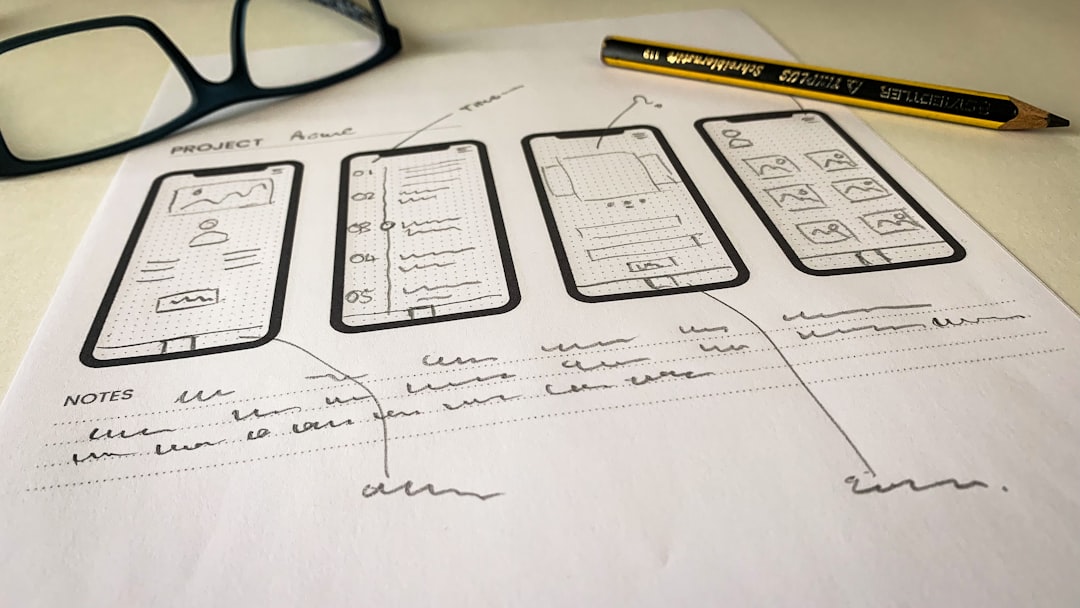
2. Figma: Designer-Centric with Developer Collaboration
Figma has taken the design community by storm, particularly among UI/UX designers. Unlike Canva, which is template-oriented and beginner-friendly, Figma leans into advanced design capabilities and offers incredible real-time team collaboration—even more so than traditional Adobe tools. What makes Figma stand out is its cloud-based structure that allows live multi-user editing.
- Component-Based Design: Create reusable design elements that can be easily updated across multiple projects.
- Design Systems: Figma makes it easy to build and maintain design systems that help keep teams aligned.
- Developer Handoff: Developers can inspect elements, copy CSS, and download assets directly—no need for redlines or exporting.
- Prototyping: Figma allows you to create clickable prototypes and conduct UX testing with minimal setup.
Perfect for product teams, in-house design departments, and digital agencies, Figma is a go-to for those who need both creative freedom and development integration. On top of that, it’s free for personal use, making it an accessible entry point for new designers.
3. VistaCreate (formerly Crello): A Visual Content Powerhouse
VistaCreate, previously known as Crello, is often compared to Canva but with a unique edge in animation and video design. This platform is fantastic for marketers looking to add flair to their content without diving into complex video editing software.
- Animated Templates: Create captivating animated posts and stories for social media with just a few clicks.
- Extensive Stock Library: Access over 50 million royalty-free photos, videos, and vectors.
- Brand Kits & Custom Fonts: Just like Canva, VistaCreate helps maintain your brand identity across all creative assets.
- Multiple Formats: From blog graphics to TikTok videos, VistaCreate offers design formats tailored to every platform.
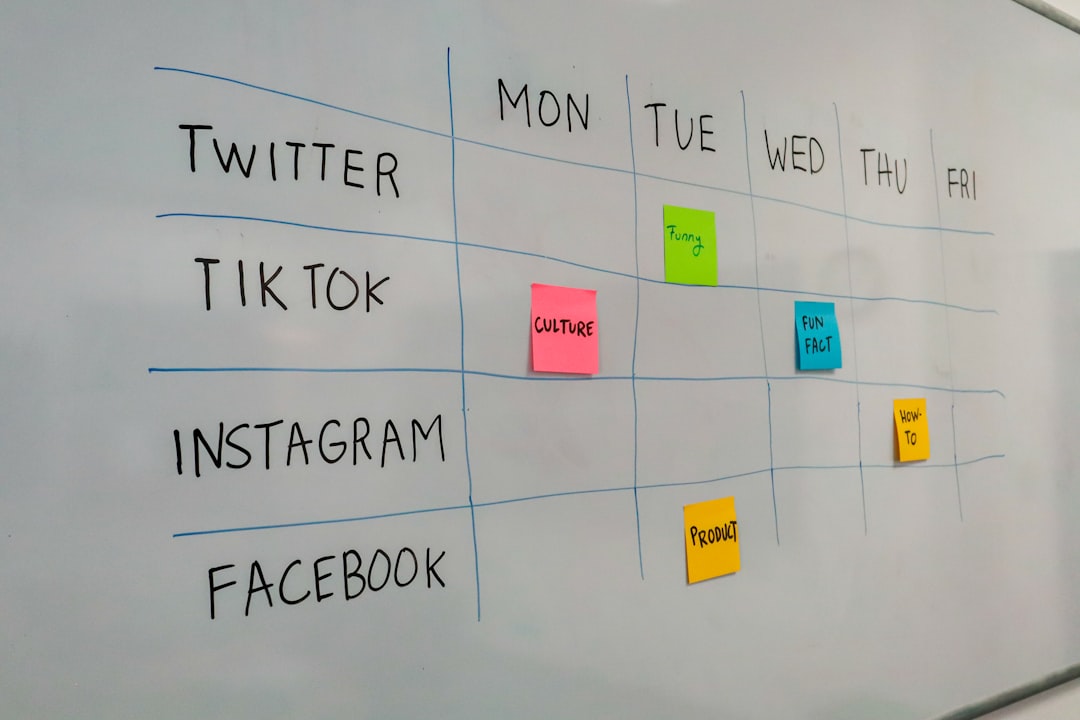
If you’re a content marketer or social media manager handling a high volume of posts, VistaCreate’s flexibility and rich media options will help you stay ahead of the curve.
4. Snappa: Simplicity Meets Speed
Snappa is another solid contender built for marketers who need nothing more than fast, clean, and effective design output. It thrives on simplicity, letting you create eye-catching designs without the bells and whistles of more complex platforms.
- Lightning-Fast Interface: Minimalist tools mean your design workflow is as simple as possible.
- Pre-optimized Sizes: Choose the platform (Twitter header, YouTube thumbnail, etc.), and Snappa sets up the canvas accordingly.
- Graphics Library: Includes thousands of royalty-free visuals for quick drag-and-drop creativity.
- Team Collaboration: Collaborate on shared brand assets and templates, perfect for small teams.
Snappa doesn’t reinvent the wheel, but it fine-tunes it for those who just want to get in, design, and get out. Ideal for entrepreneurs, bloggers, and small marketing teams.
5. Adobe Express (formerly Adobe Spark): Adobe Power Without the Complexity
Adobe Express brings Adobe’s design pedigree to the masses, offering a simplified version of its professional-grade software. While Photoshop remains a go-to for intricate design, Adobe Express is perfect for those wanting powerful tools minus the learning curve.
- Content Templates: Professional-looking presets for social media, web, and print.
- Quick Actions: Resize, remove backgrounds, animate text, and more on the fly.
- Creative Cloud Integration: Sync with existing assets or import from Adobe Photoshop and Illustrator as needed.
- Custom Branding: Upload brand logos, set brand fonts and colors across all projects.
Adobe Express is great for users who want a touch of Adobe quality in an easy-to-use package. Whether you’re a designer needing quick assets or a marketer developing campaign materials, this tool delivers fast creative power at your fingertips.
Pro Tips: Templating for Visual Content at Scale
Regardless of the tool you use, templating can become the linchpin of scalable design. With pre-set templates, your team not only gains speed but ensures brand consistency across campaigns and channels. Consider these best practices:
- Create a Master Template: For blogs, ads, stories, etc., develop master layouts that your team can reuse.
- Use Style Guides: Incorporate your fonts, colors, and layouts into every template for brand harmony.
- Organize Assets: Store icons, logos, and stock photos in a shared drive to make finding them effortless.
- Set Design Roles: Especially for collaborative tools like Canva and Figma, assign editing or viewing permissions to avoid confusion.
Scaling creative output doesn’t mean sacrificing quality. By working smarter with templates and choosing the right tools for your needs, your team can produce beautiful, on-brand content faster than ever before.
Final Thoughts
From Canva‘s beginner-friendly interface to Figma‘s robust design ecosystem, the right tool can transform your content production process. VistaCreate and Snappa offer tailored solutions for marketers focused on agility, while Adobe Express ties the power of Adobe into an effortless experience.
Incorporating templating strategies into your workflow further amplifies these tools’ capabilities, making your creative process not just faster, but smarter. Whether you’re a solo marketer or a member of a large design team, these platforms enable you to scale your creative output with confidence and style.
Now that you’re armed with the top tools and tips for creating visual content at scale, it’s time to stop staring at a blank canvas and start designing!

