

3 Microservice Dependency Mapping Software Tools With Interactive Architecture Maps
Modern applications rarely live in a single codebase or server. Instead, they span dozens—or even hundreds—of loosely coupled services communicating across containers, virtual machines, cloud platforms, and third-party APIs. While microservices offer flexibility and scalability, they also introduce complexity. Understanding how services interact, depend on each other, and propagate failures has become one of the biggest challenges for engineering teams.
TL;DR: Microservice dependency mapping tools help teams visualize and manage complex service-to-service interactions through interactive architecture maps. Leading platforms like Dynatrace, Datadog, and New Relic provide real-time dependency tracking, automatic discovery, and AI-driven insights. These tools not only reduce troubleshooting time but also improve system resilience and operational clarity. Choosing the right solution depends on scalability needs, ecosystem compatibility, and desired level of automation.
In this article, we explore three powerful microservice dependency mapping software tools that provide interactive architecture maps. We’ll examine what makes each platform unique, how they visualize system relationships, and where they best fit within modern DevOps ecosystems.
Why Microservice Dependency Mapping Matters
In a monolithic architecture, debugging often meant tracing a single code path. In microservices, however, a simple user request might traverse:
- An API gateway
- Multiple backend services
- Databases and caches
- Third-party payment or authentication providers
- Message queues and event buses
Without a clear visual map, identifying bottlenecks or root causes becomes guesswork. Interactive architecture maps offer:
- Real-time service topology visualization
- Automatic dependency discovery
- Root cause analysis acceleration
- Impact analysis before deployments
- Improved compliance and documentation
Below are three tools that excel in turning distributed complexity into understandable visual intelligence.
1. Dynatrace – Smartscape and Service Flow Mapping
Dynatrace is widely recognized for its AI-powered observability platform, and its Smartscape topology visualization sets it apart in microservice dependency mapping.

Key Features
- Automatic discovery of services, hosts, processes, and containers
- Real-time topology mapping across hybrid and multi-cloud environments
- AI-driven root cause detection through Davis AI engine
- Deep code-level visibility without manual instrumentation
What Makes It Stand Out
Dynatrace doesn’t just map services—it understands them. Its Smartscape view dynamically updates as infrastructure scales up or down. Whether you’re deploying Kubernetes pods or spinning up cloud instances, the map reflects changes automatically.
The interactive interface allows teams to:
- Click on a service to trace upstream and downstream dependencies
- Identify latency contributors in real time
- Visualize how a single failing component impacts the entire system
Dynatrace is particularly powerful for large enterprise environments where manual documentation simply cannot keep pace with infrastructure changes.
Best For
Large-scale cloud-native enterprises seeking AI-supported diagnostics and automated topology visualization.
2. Datadog – Service Map and Application Dependency Insights
Datadog’s Service Map provides a clean, intuitive view of how services communicate across distributed systems. Built into its broader observability ecosystem, this feature integrates seamlessly with logs, metrics, and traces.
Key Features
- Auto-generated service maps from distributed tracing data
- Container and Kubernetes-aware mapping
- Dependency filtering and grouping
- Integration with 600+ technologies
Interactive Visualization Capabilities
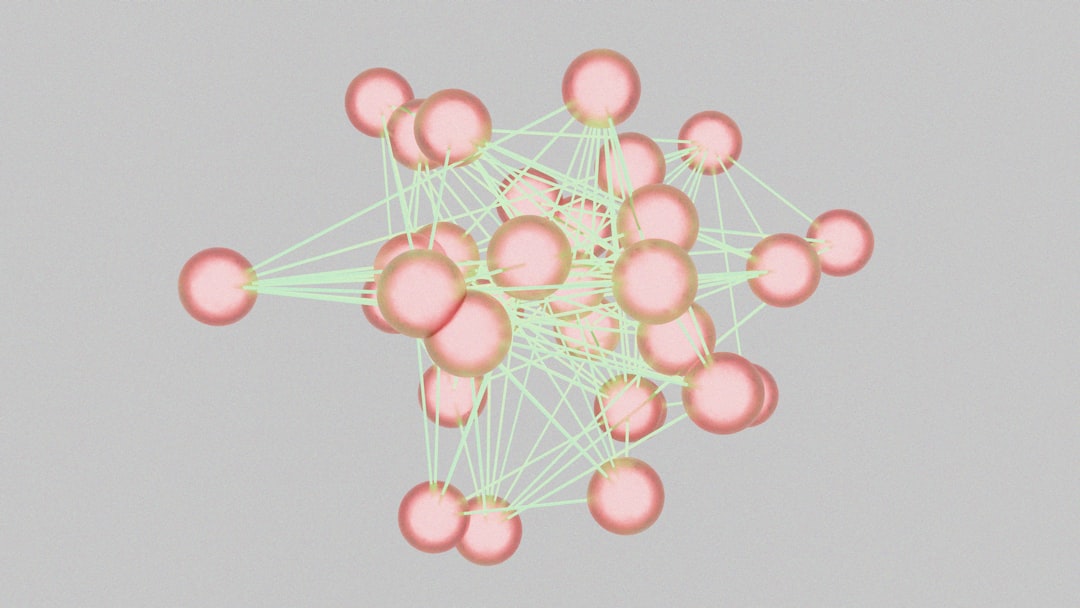
Datadog’s map offers a visual network graph where each node represents a service and each edge shows communication pathways. Users can:
- Filter by environment (production, staging, development)
- Isolate high-latency services
- Highlight error rates between dependencies
- Drill down into traces directly from the map
One of Datadog’s strengths lies in its correlated observability. If a database slows down, you can jump from the dependency map straight into logs or metrics without switching platforms.
Scalability and Flexibility
For teams running containerized workloads in Kubernetes, Datadog automatically maps pods, nodes, and services, making it ideal for dynamic environments.
Best For
Growing technology companies and DevOps teams needing seamless integration between monitoring, tracing, and service visualization.
3. New Relic – Interactive Service Maps and Workload Views
New Relic offers an intuitive approach to microservice dependency mapping through its Service Maps and Workload views. Designed with usability in mind, it provides actionable insights without overwhelming users.
Key Features
- Automatic service discovery
- Distributed tracing visualization
- Custom workload grouping
- Anomaly detection and alerting integration
User Experience Advantages
New Relic emphasizes clarity. Services are displayed in a structured layout that shows:
- Response times
- Error rates
- Throughput metrics
- Status indicators
The Workload feature allows teams to group related services—such as all components supporting a checkout flow—into a single visual interface. This makes it easier to contextualize incidents around specific business functions.
Developer-Friendly Insights
Developers can jump directly from a dependency graph to transaction traces, logs, and even code-level performance data. This tight feedback loop significantly reduces mean time to resolution (MTTR).
Best For
Mid-sized teams and SaaS providers prioritizing usability and quick troubleshooting within a unified observability platform.
Comparison Chart
| Feature | Dynatrace | Datadog | New Relic |
|---|---|---|---|
| Automatic Service Discovery | Yes (AI-driven) | Yes (trace-based) | Yes |
| Real-Time Topology Updates | Advanced, AI-powered | Real-time via APM | Real-time |
| Kubernetes Support | Extensive | Extensive | Strong |
| Root Cause Analysis | AI engine (Davis) | Manual + correlated data | Alert-based insights |
| Ease of Use | Enterprise-focused | Intuitive UI | Very user-friendly |
| Ideal Use Case | Large enterprises | Scaling tech teams | SaaS and mid-sized orgs |
How to Choose the Right Tool
Selecting a microservice dependency mapping solution depends on several factors:
1. Scale of Infrastructure
If you manage thousands of services across multi-cloud deployments, AI-assisted automation (like Dynatrace) may be essential.
2. Existing Tooling Ecosystem
If your team already uses Datadog or New Relic for monitoring, leveraging built-in service maps can reduce integration overhead.
3. Level of Technical Maturity
Smaller teams may prioritize ease of use and quick setup, while enterprises may demand granular controls and governance features.
4. Budget Considerations
Enterprise-grade AI tools may carry higher costs, but they often reduce operational burden and downtime expenses.
The Bigger Picture: From Visualization to Resilience
Interactive architecture maps aren’t just dashboards—they are strategic tools. By clearly displaying service interactions, they enable:
- Proactive incident response
- Impact assessment before deployments
- Security boundary visualization
- Improved cross-team communication
In complex microservice ecosystems, visibility equals stability. When teams can see how systems connect and influence one another, they move from reactive firefighting to proactive resilience engineering.
Final Thoughts
Microservice architectures unlock agility, but without dependency mapping, they quickly become opaque and fragile. Tools like Dynatrace, Datadog, and New Relic transform distributed chaos into interactive, real-time architectural insight.
Whether powered by AI-driven topology mapping or trace-based service graphs, these platforms give teams the confidence to deploy faster, debug smarter, and scale sustainably.
In the era of distributed systems, interactive microservice architecture maps are no longer optional—they’re foundational.

